SAP/BusinessObjects
sap lumira (codename "Hilo")
When you’re a ship the size of SAP, things just take longer. What made this project especially difficult was the need to coordinate across multiple geo-located teams across the company, cultural issues galore, and a primary development team that felt isolated and unmotivated to take on the challenge of evolving BusinessObjects into the next generation of SAP Analytics products. After a great deal of discussion, we decided that the product would be focused on business users, empowering them to discover sources of data and the insights contained within. This is the short version of the story of how Lumira came to be.
overview
my role
As the Chief Experience Officer for SAP Business Objects, I led the inception of and production design for what became Lumira. Modernizing the UX discipline at SAP Analytics was a large part of my role.
THE TEAM
Spread across 7 international sites, my team consisted of 8 UX & UI designers, 1 principal Visualization designer, 2 UXR, 4 PMs, lots of engineers, a lot of very senior stakeholders.
mission
I was there to force change in how UX design was done at SAP. The leadership of the Analytics business unit needed to deliver a modern, next-generation product, which they felt was essentially impossible given the lack of cloud design DNA in the existing design team. I needed to draw on 10+ years of enterprise SaaS product design experience to teach and implement a practice that would take SAP Analytics into the cloud era.
why me?
As a native French speaker, I was hired to re-engage the French design and development teams just after the Business Objects acquisition. SAP needed this team to lead the development of a next-generation BI tool that would replace Business Objects Webi.
The goal was to design and deliver a modern BI product that enabled self-service analytics for business users. SAP needed to unlock that experienced Paris BI DNA to build such a product. As a Canadian, I was deemed “neutral” and culturally “close enough” to join the French team and embed without a problem.
I spent 50% of my time in Paris, 25% of my time in TelAviv, Waldorf, Shanghai and Vancouver and 25% of my time in Palo Alto.
creative unblocking
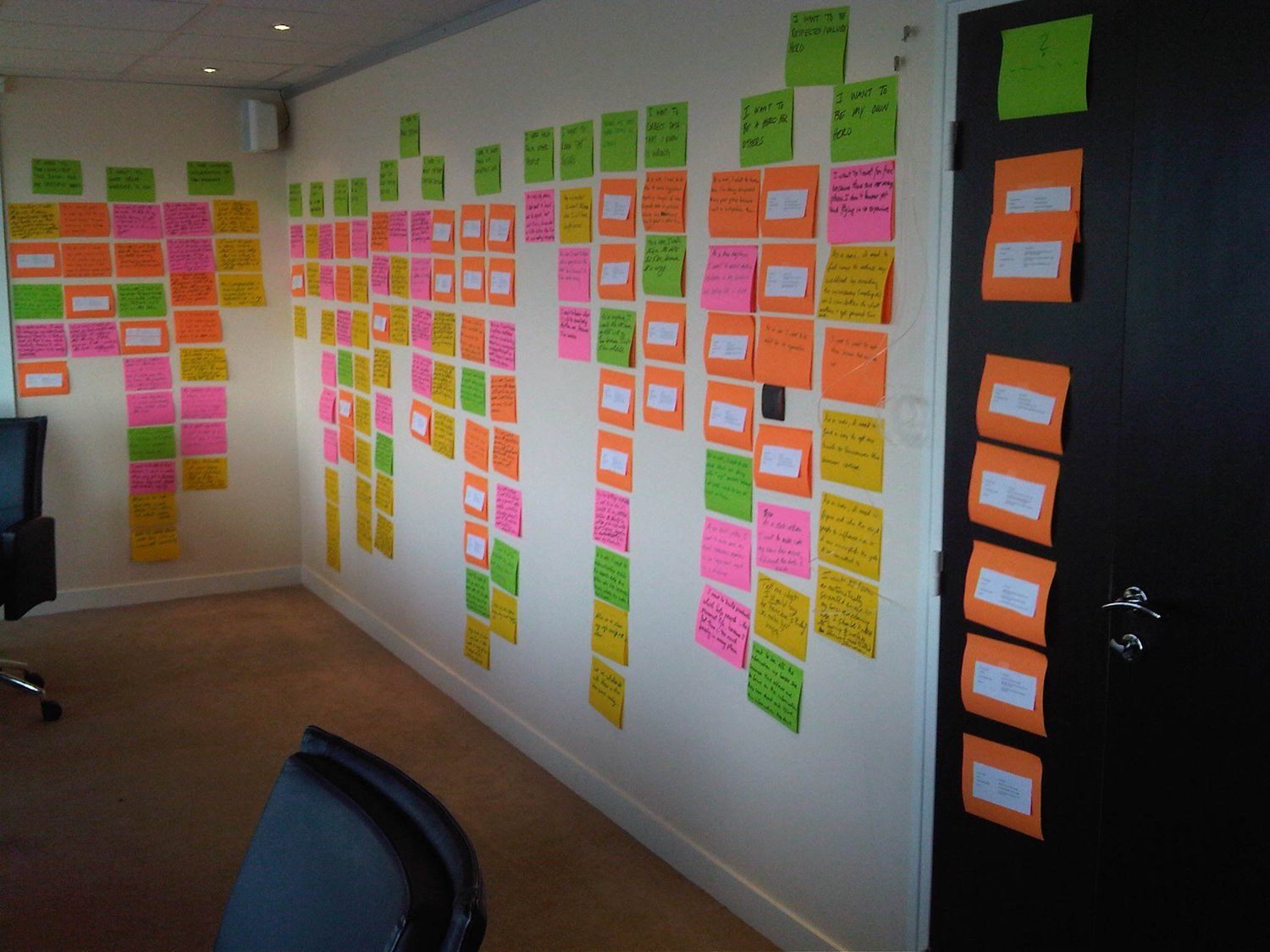
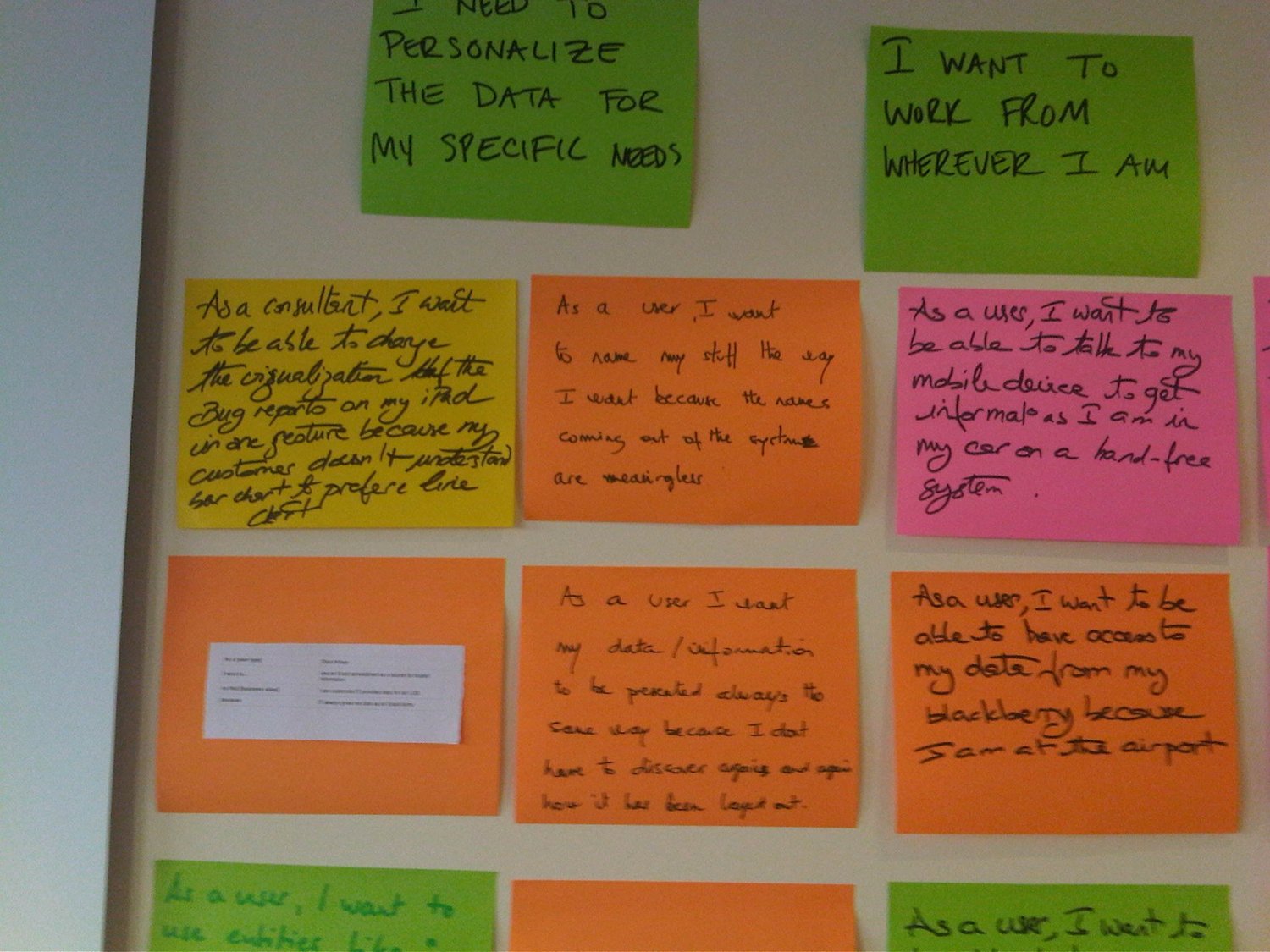
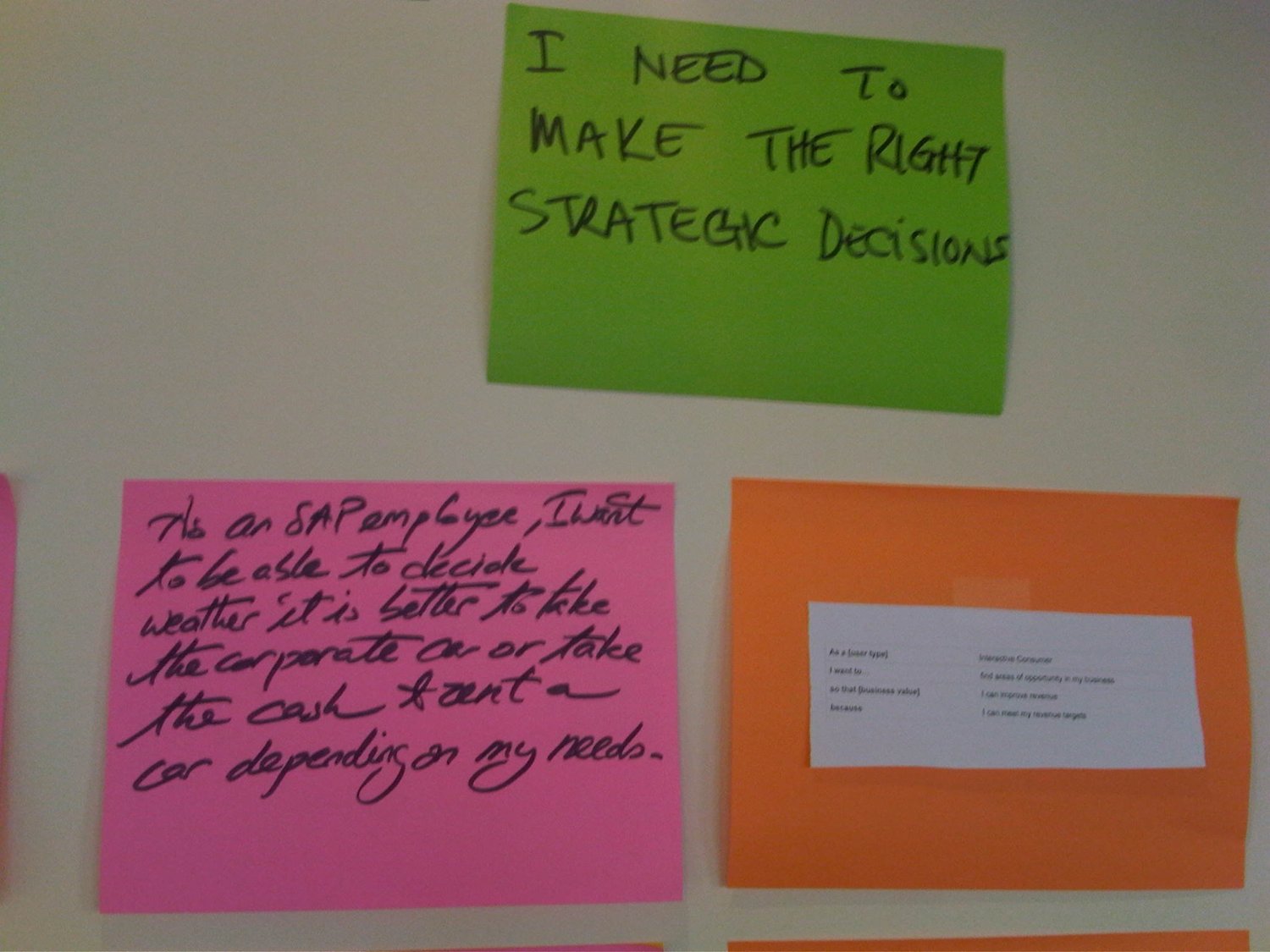
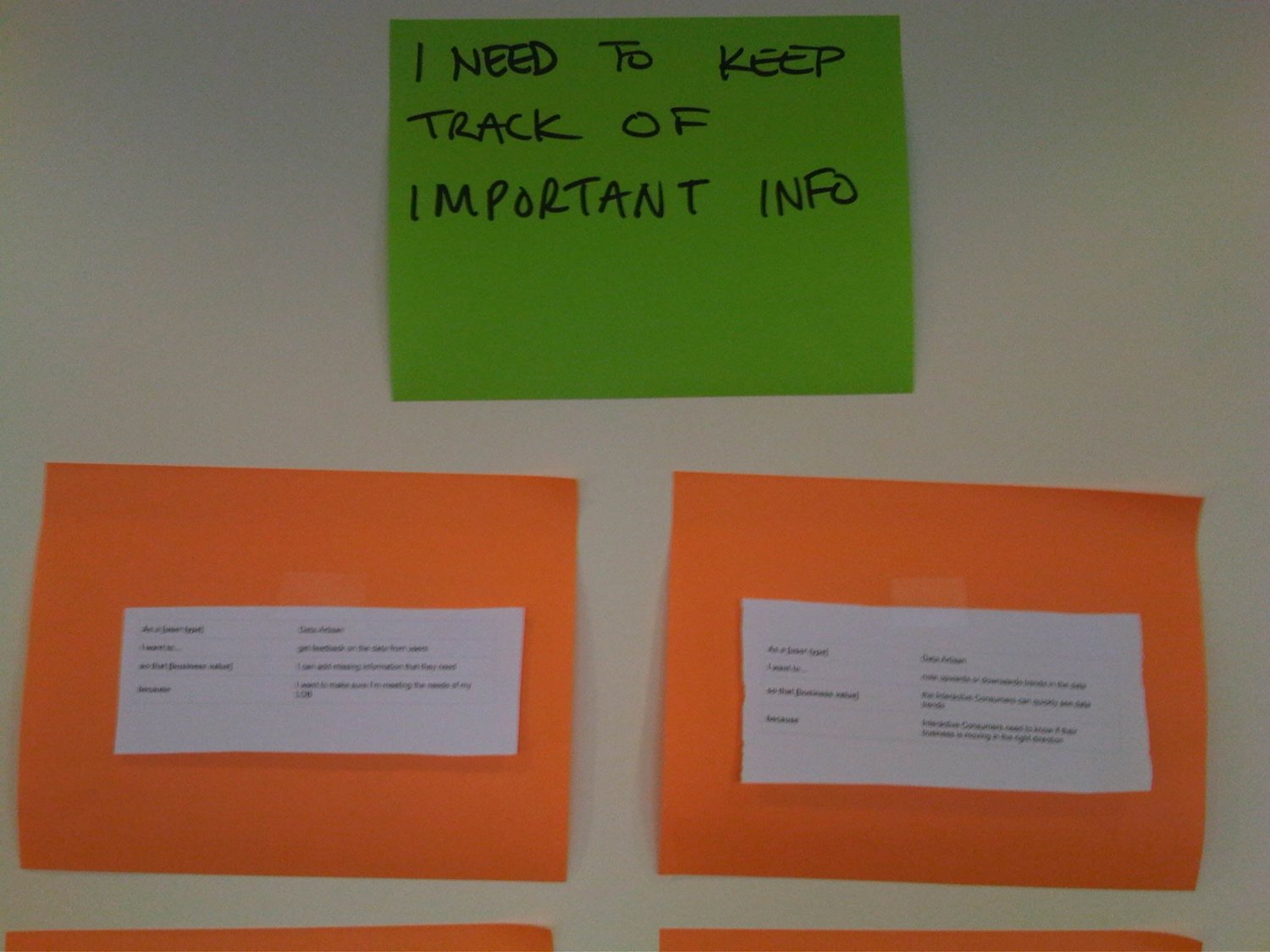
I planned a 3-month workshop Paris where team members from Waldorf, Vancouver, Shanghai, Palo Alto and TelAviv assembled to get to know each other and creatively talk about the future of BI. We unshackled people from the boundaries of software and got them imagining a world where business intelligence gave people exactly what they wanted.
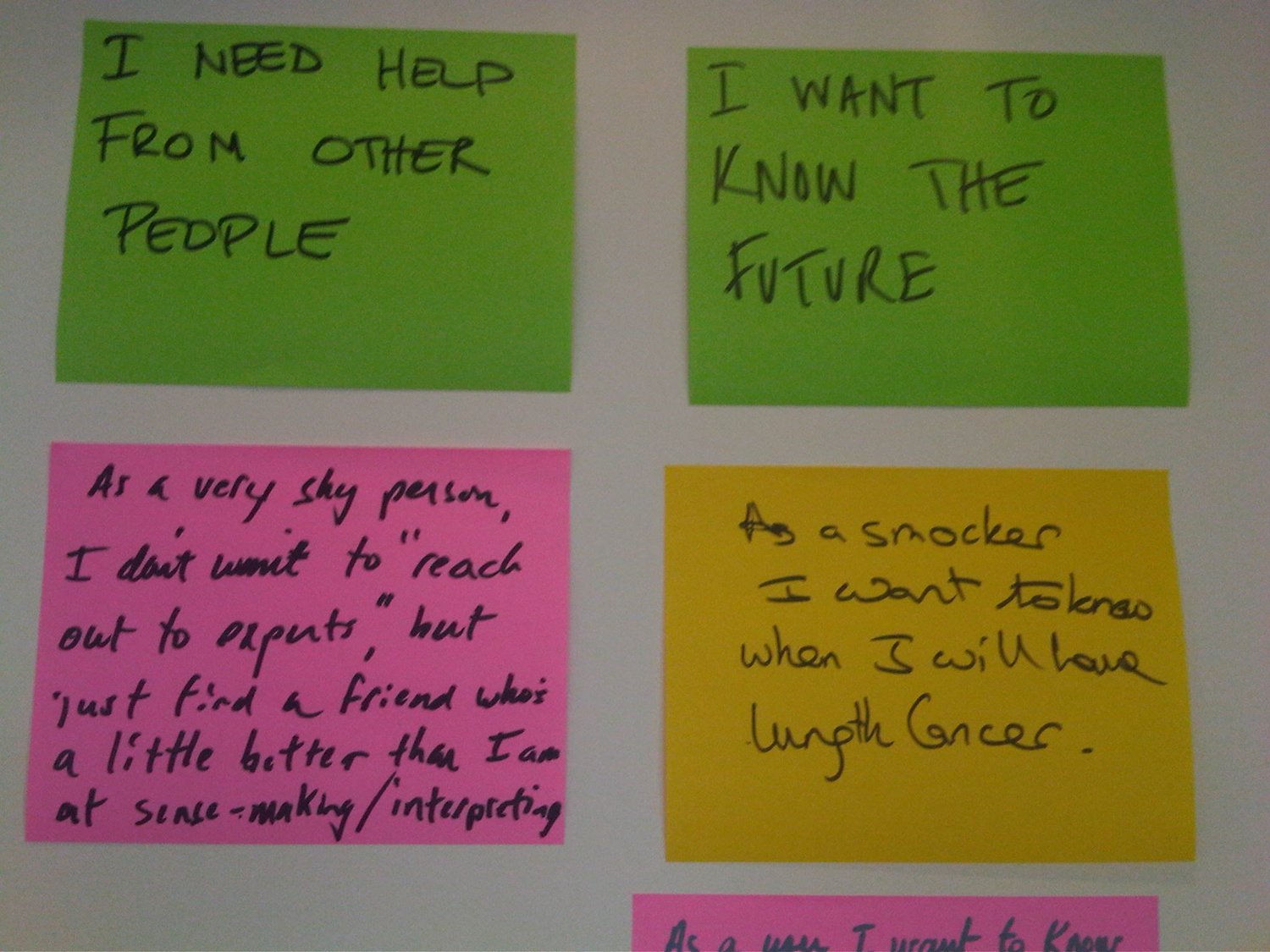
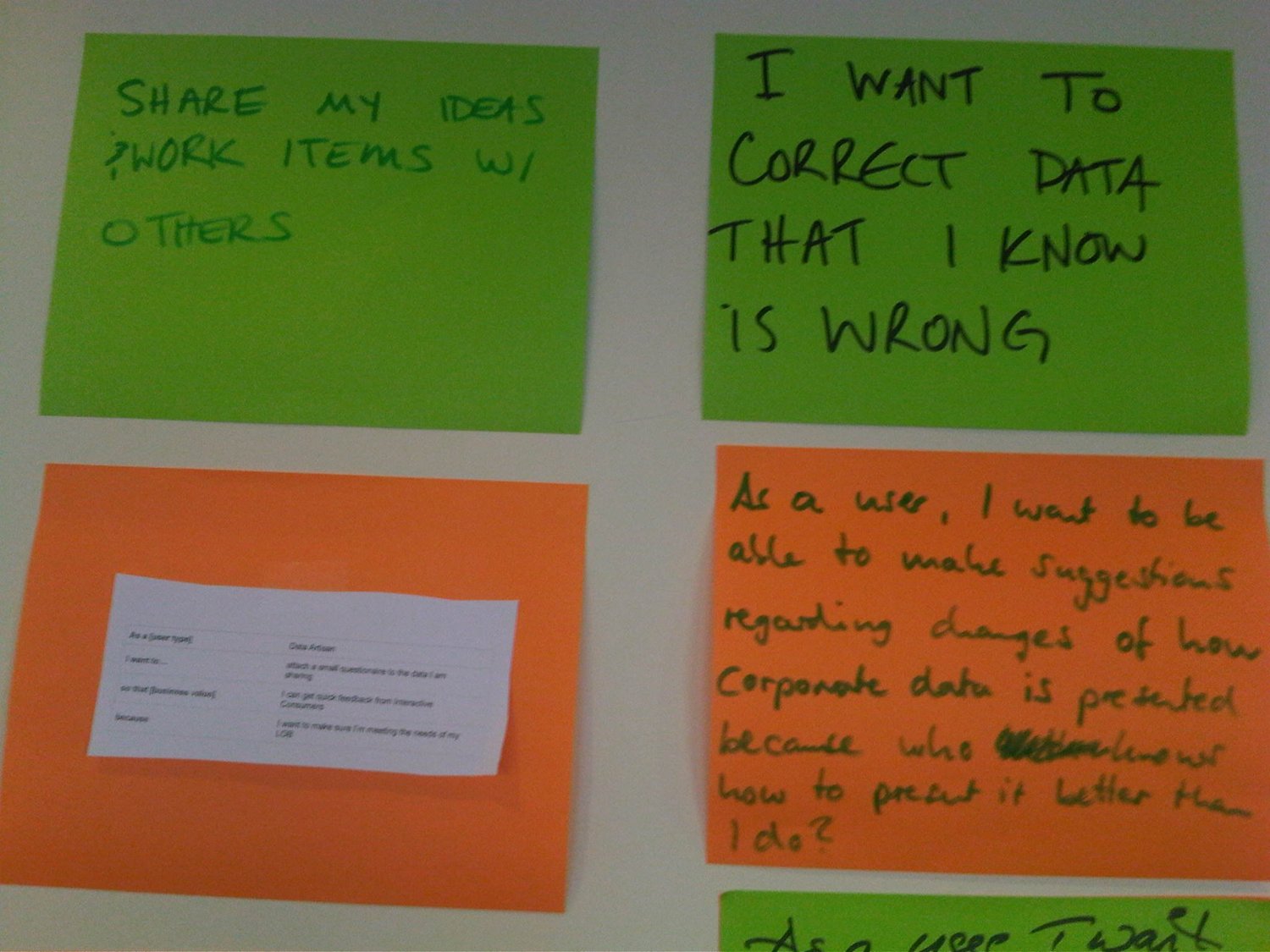
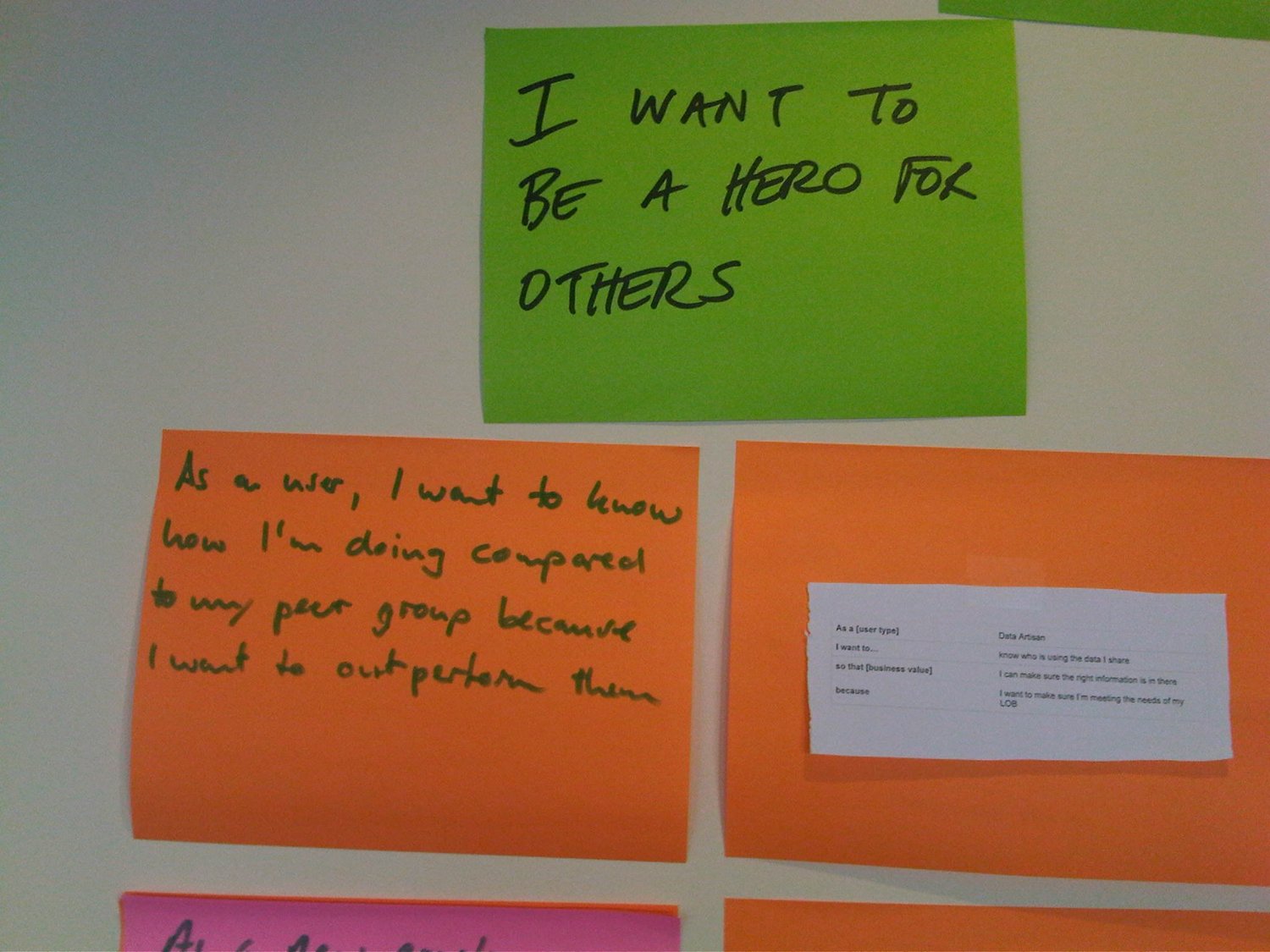
theme park prototype
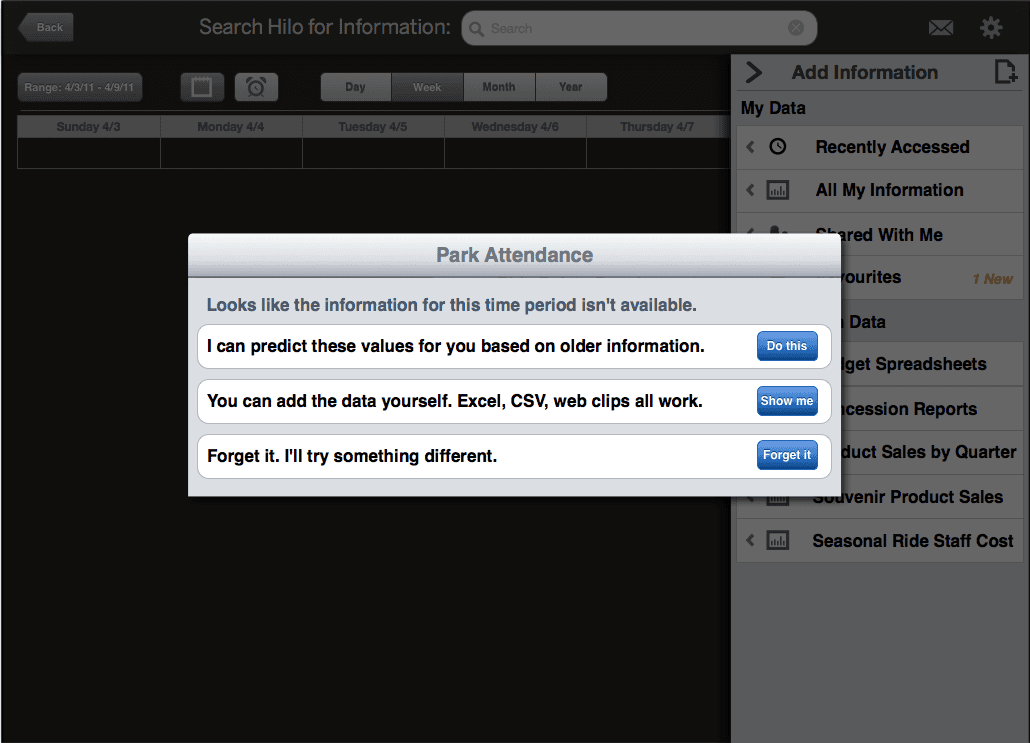
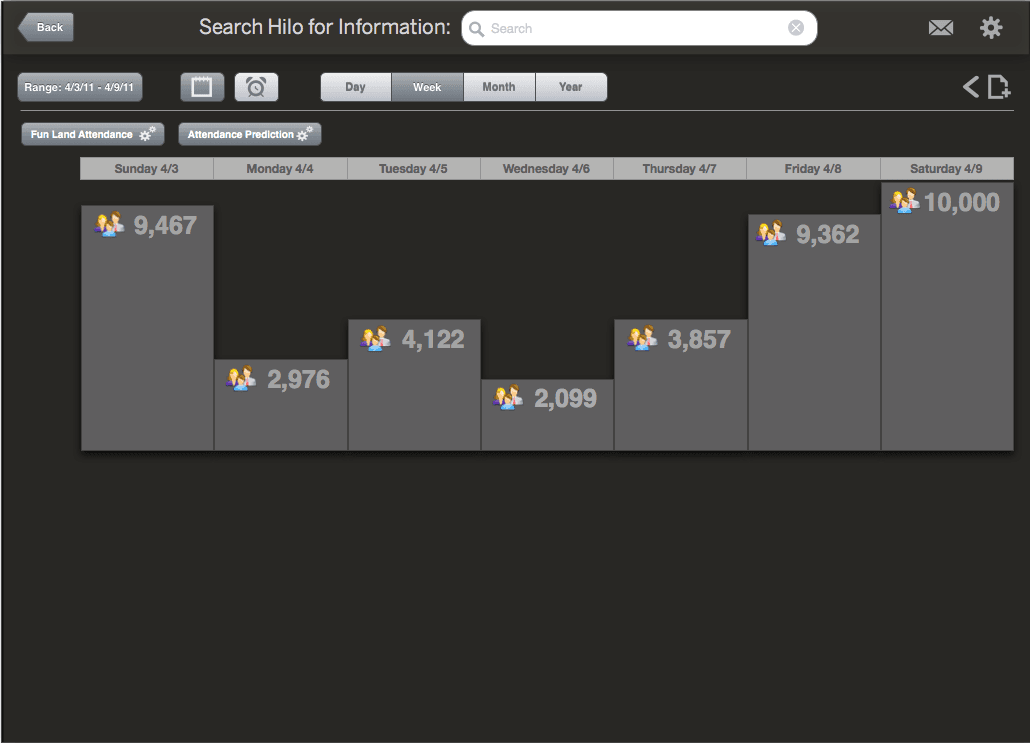
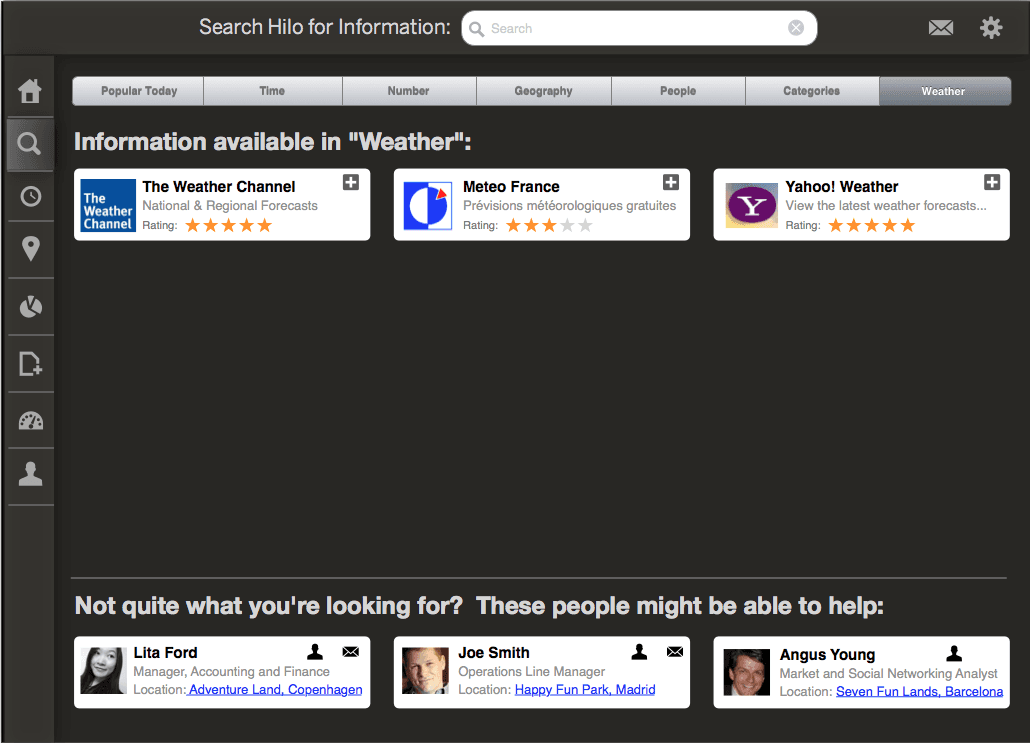
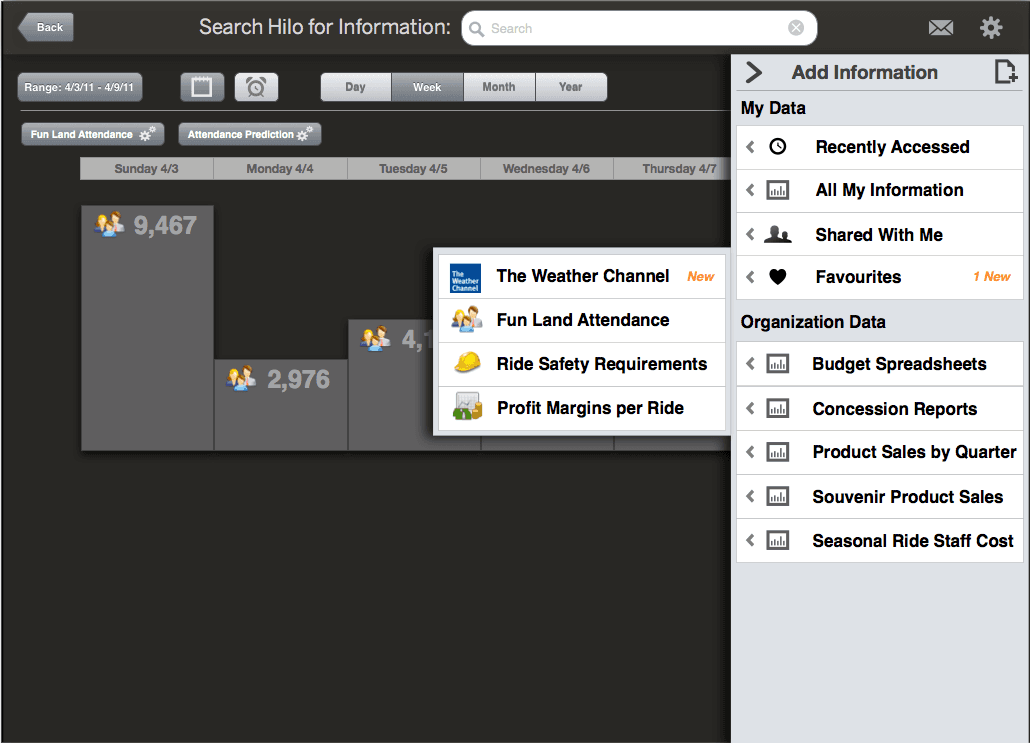
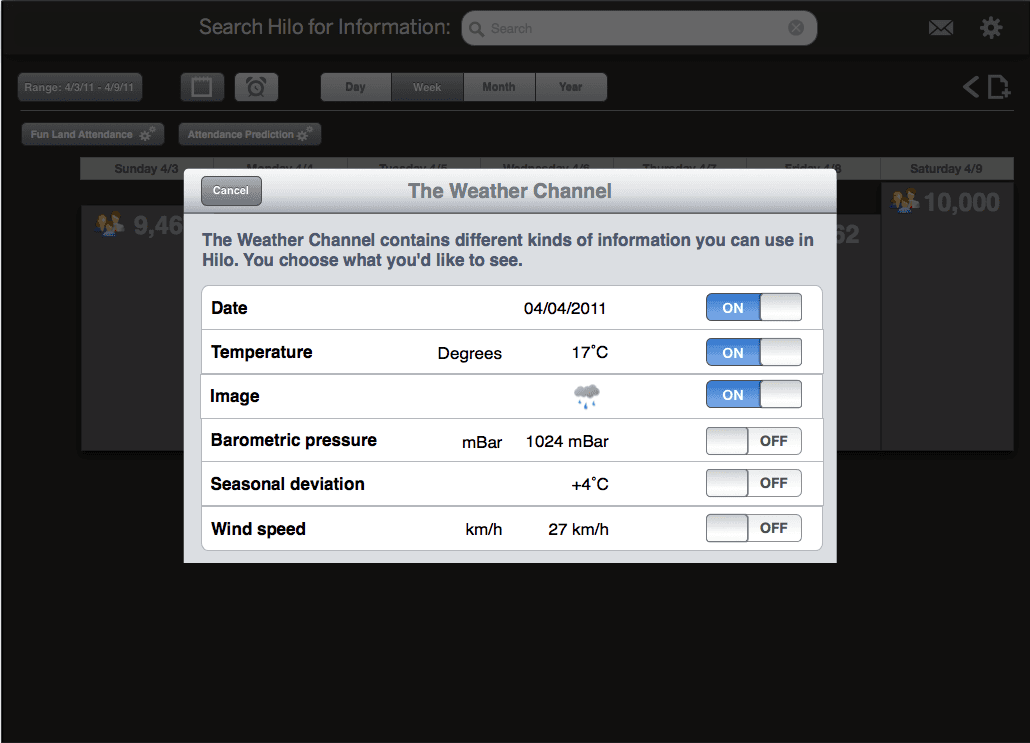
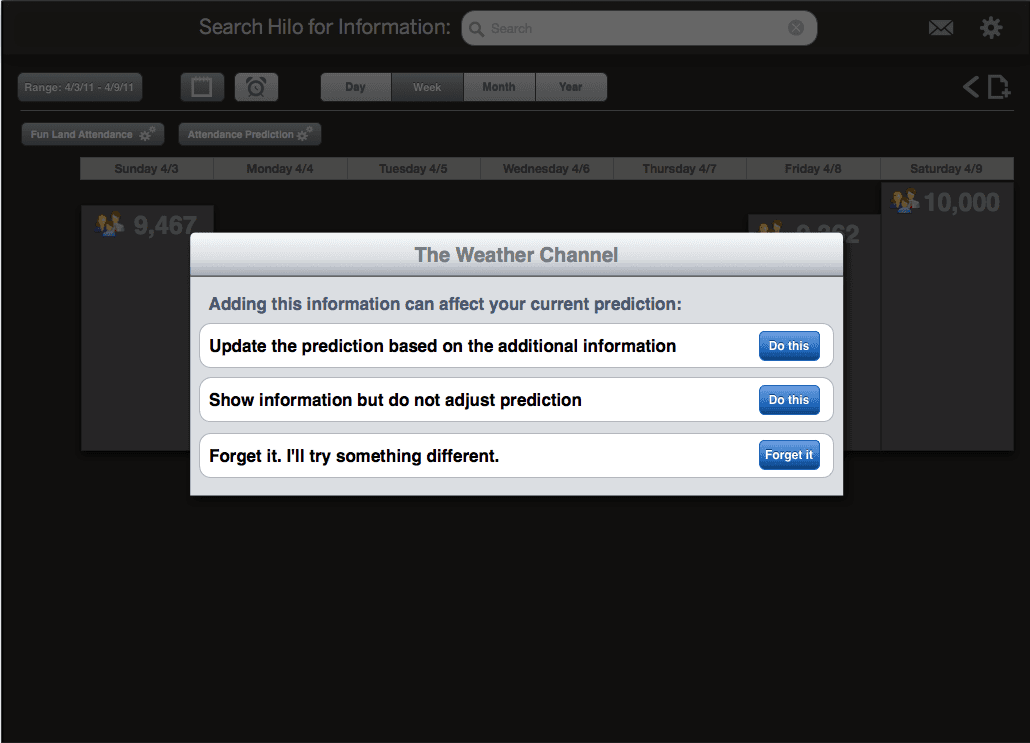
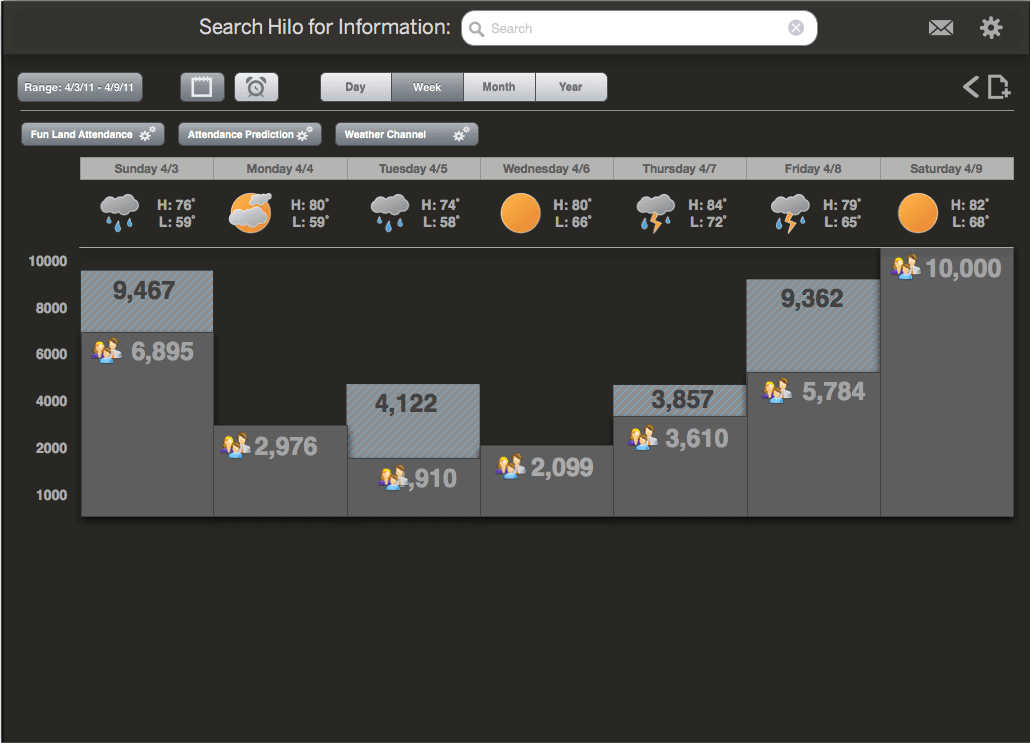
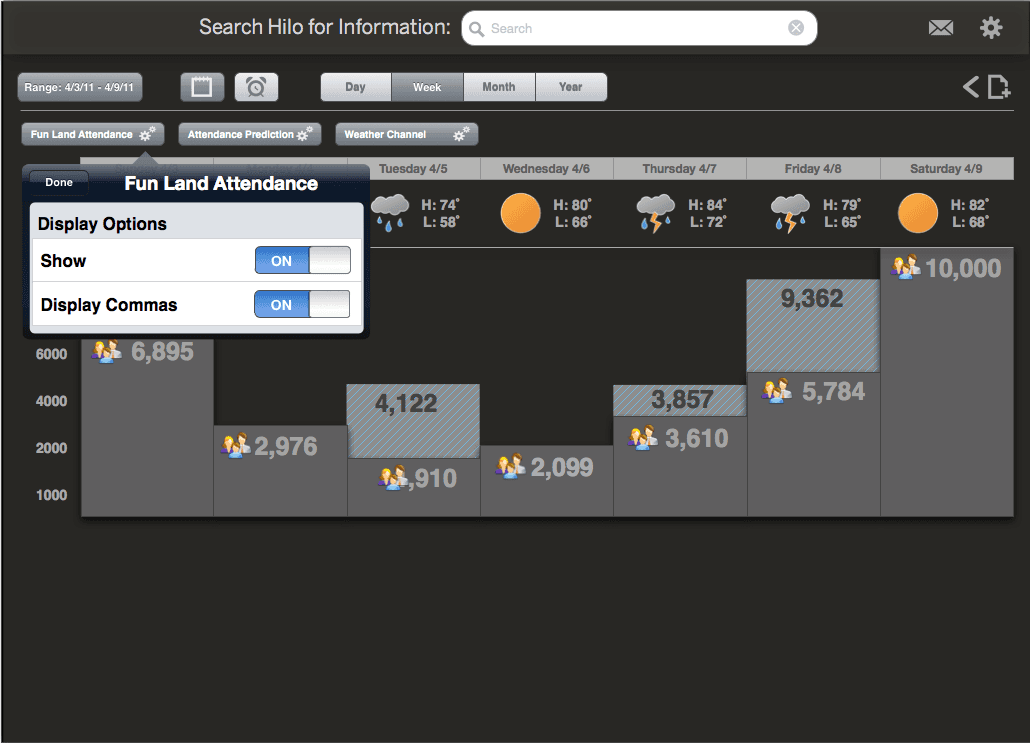
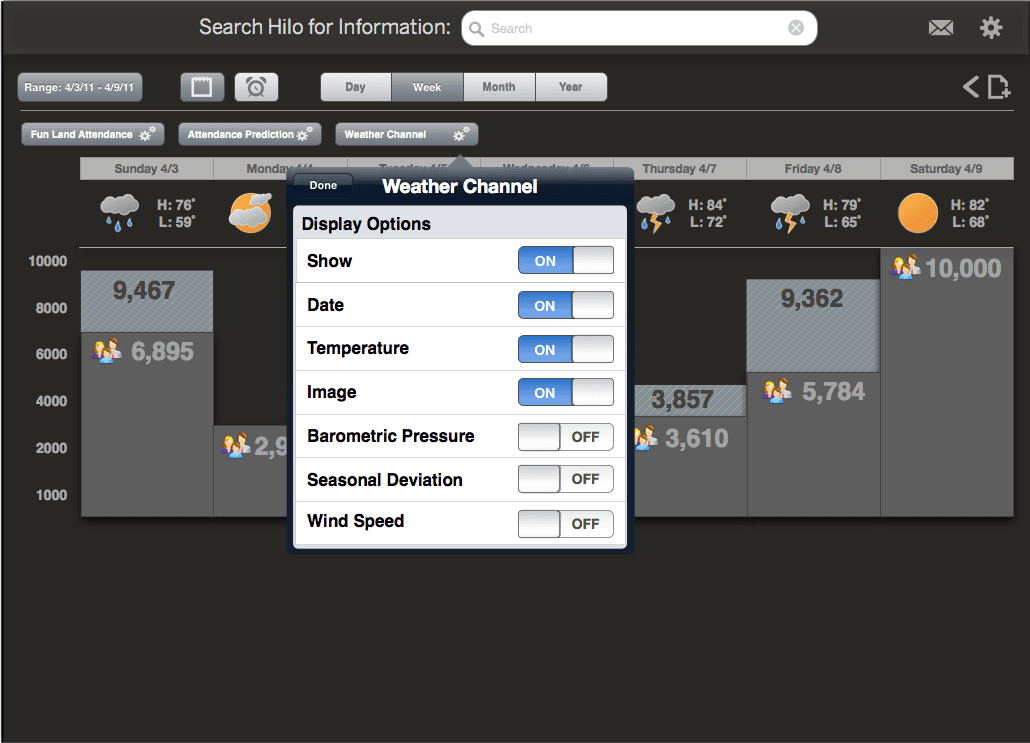
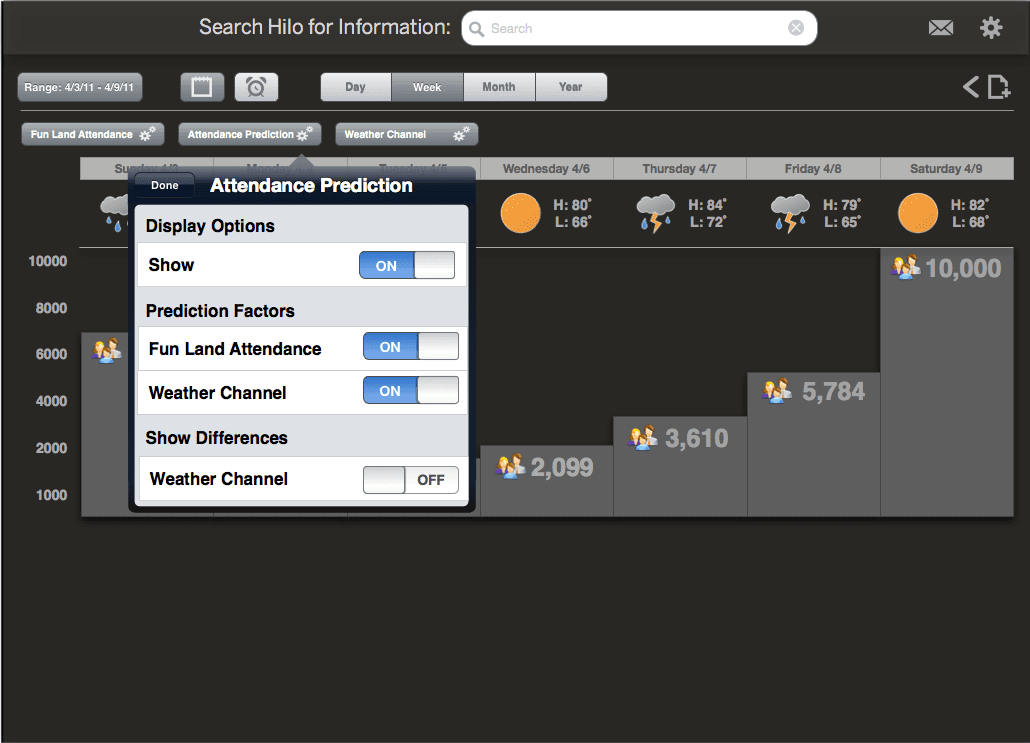
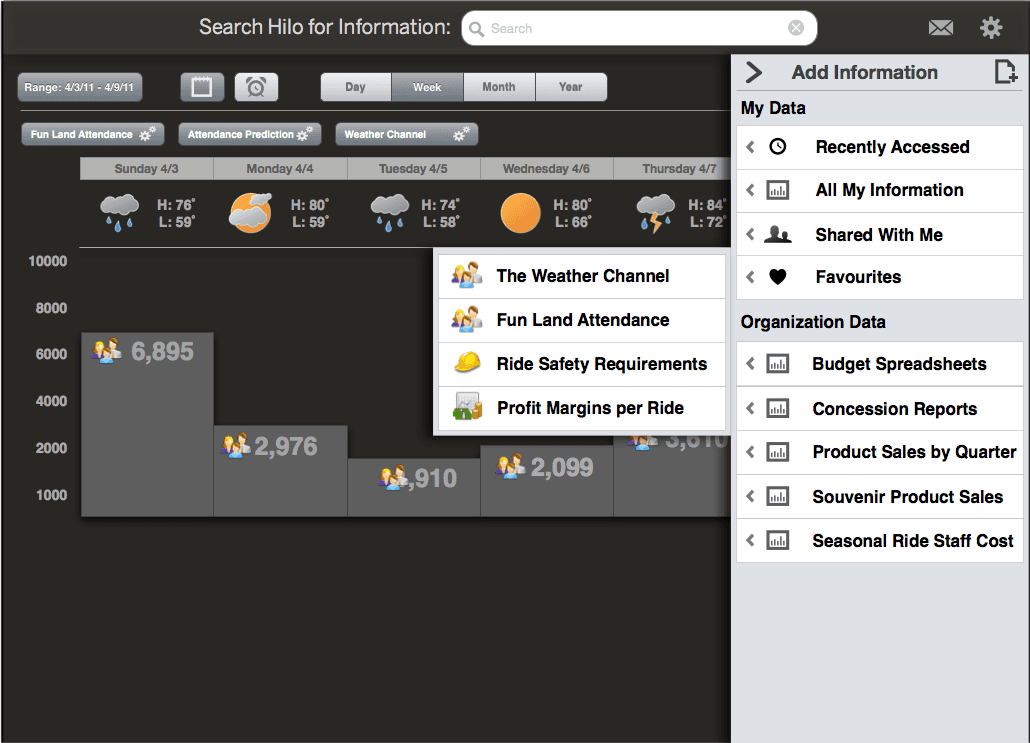
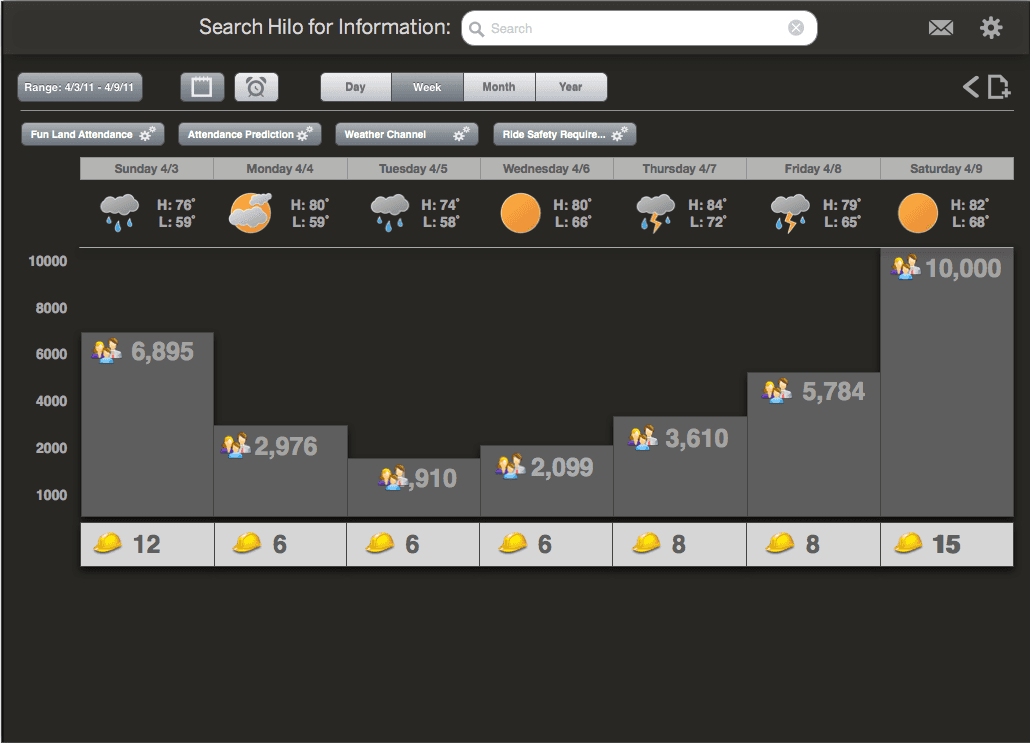
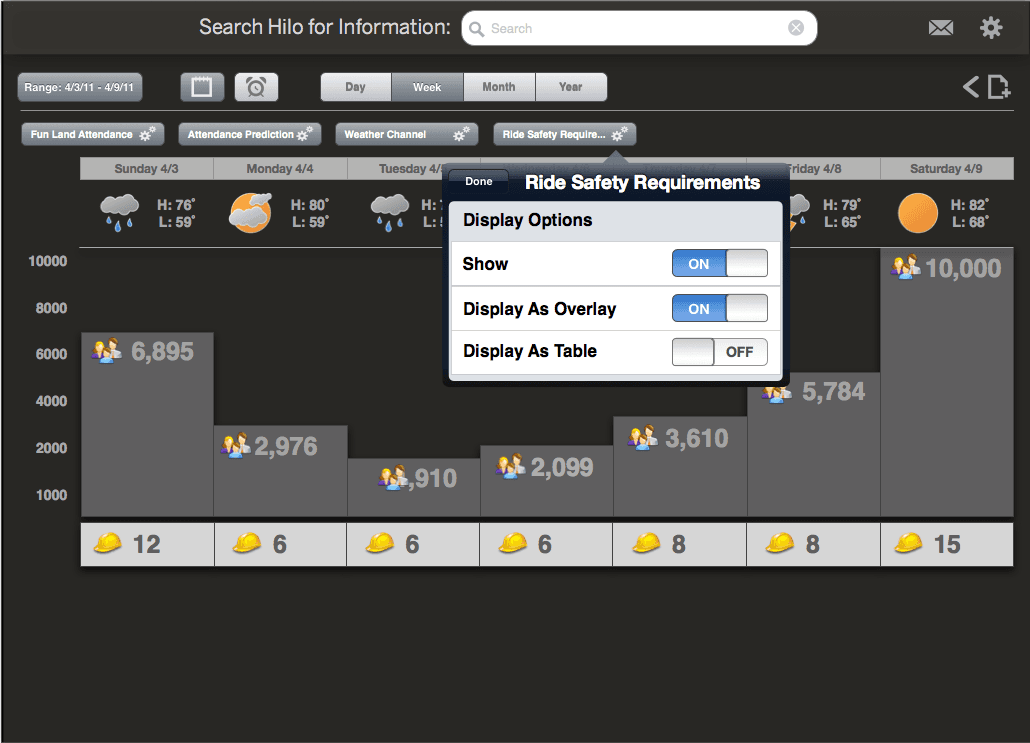
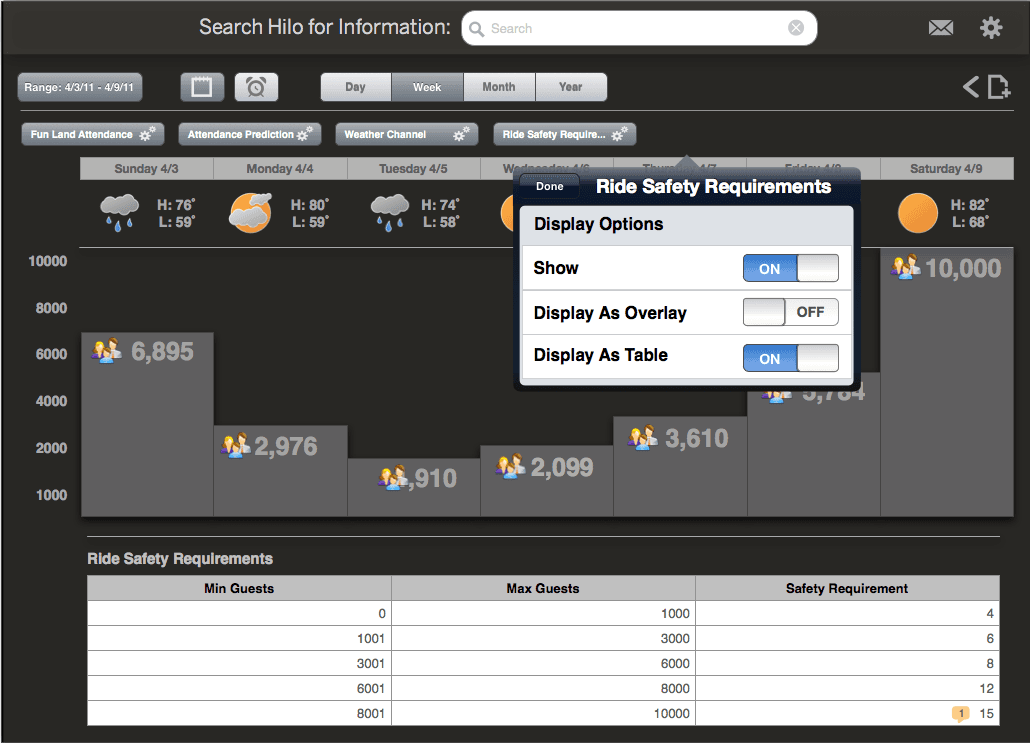
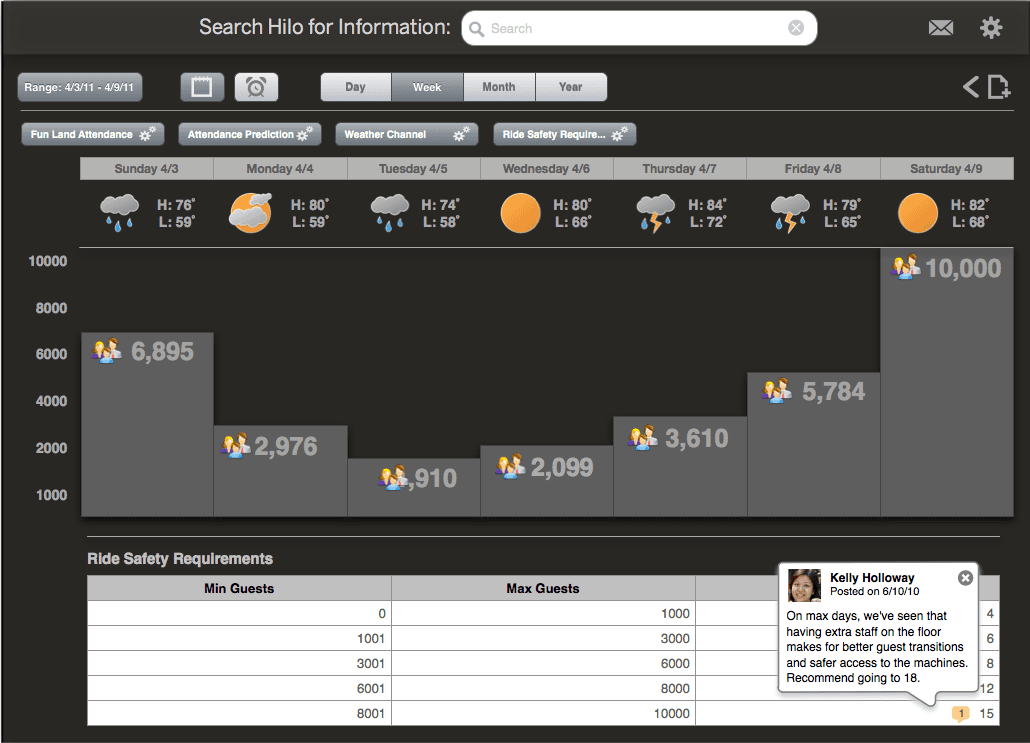
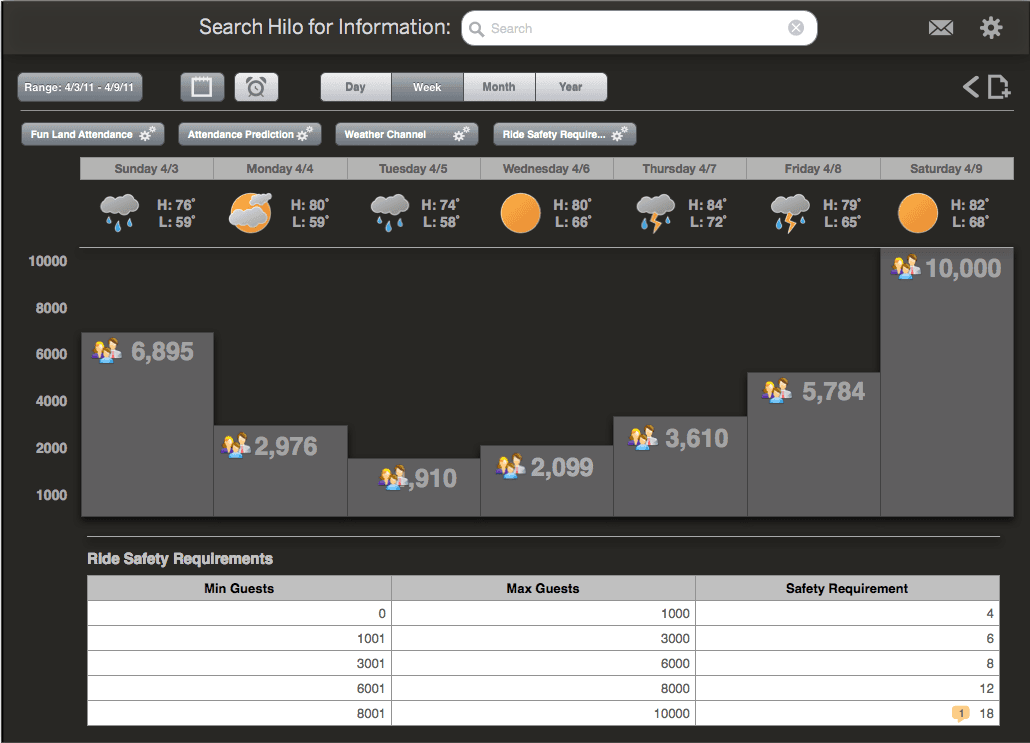
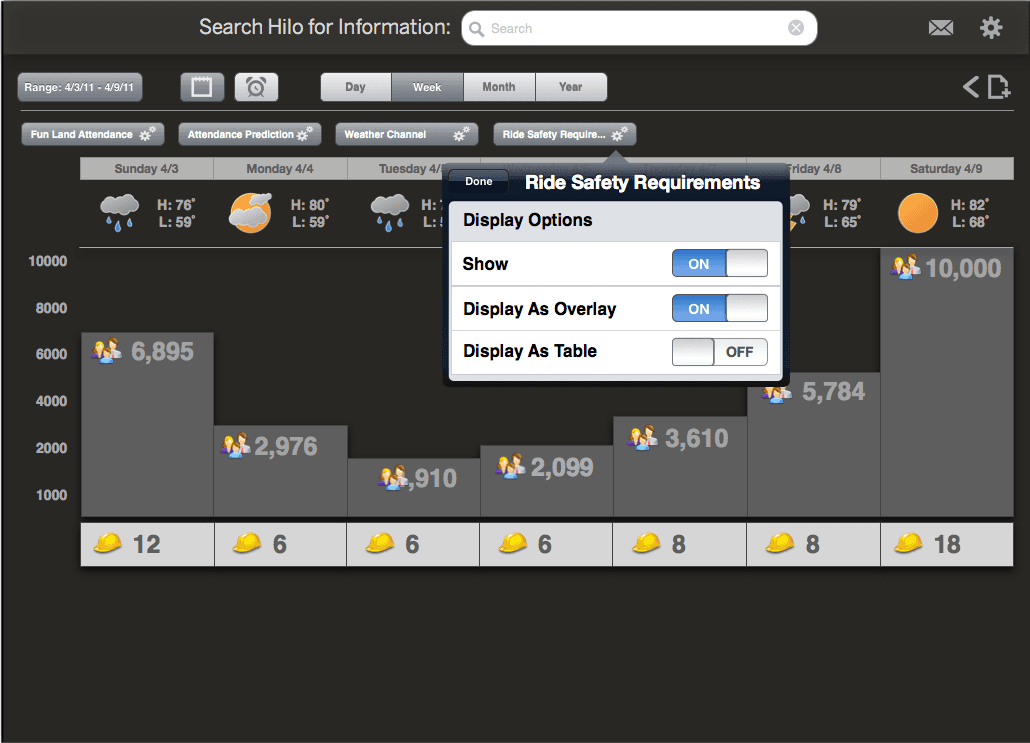
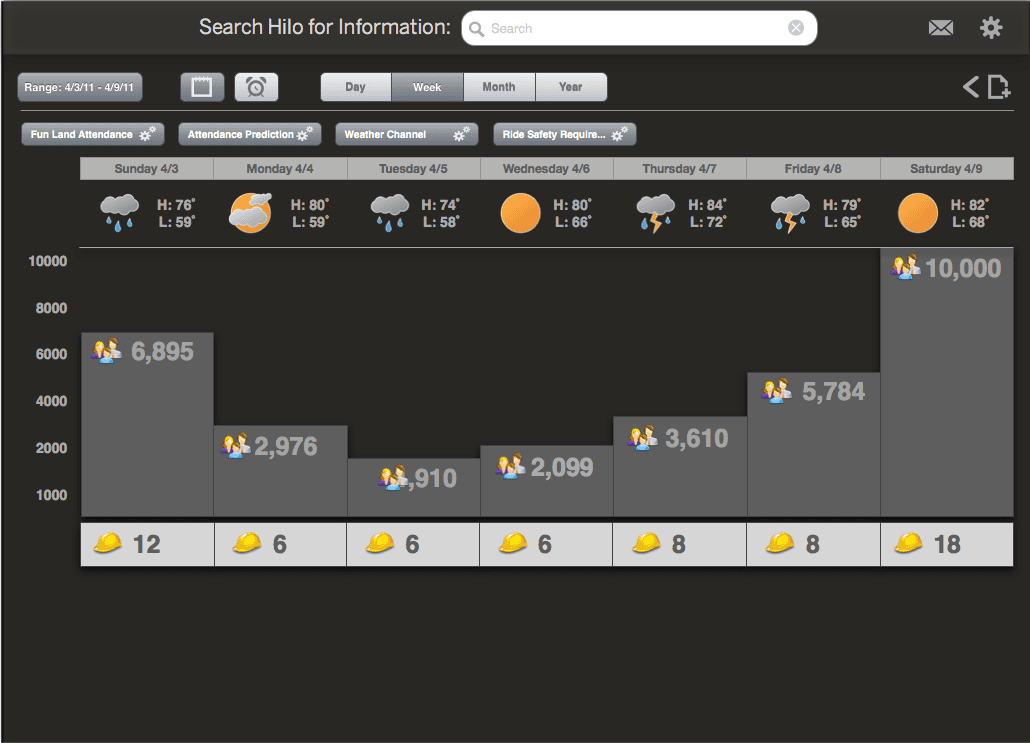
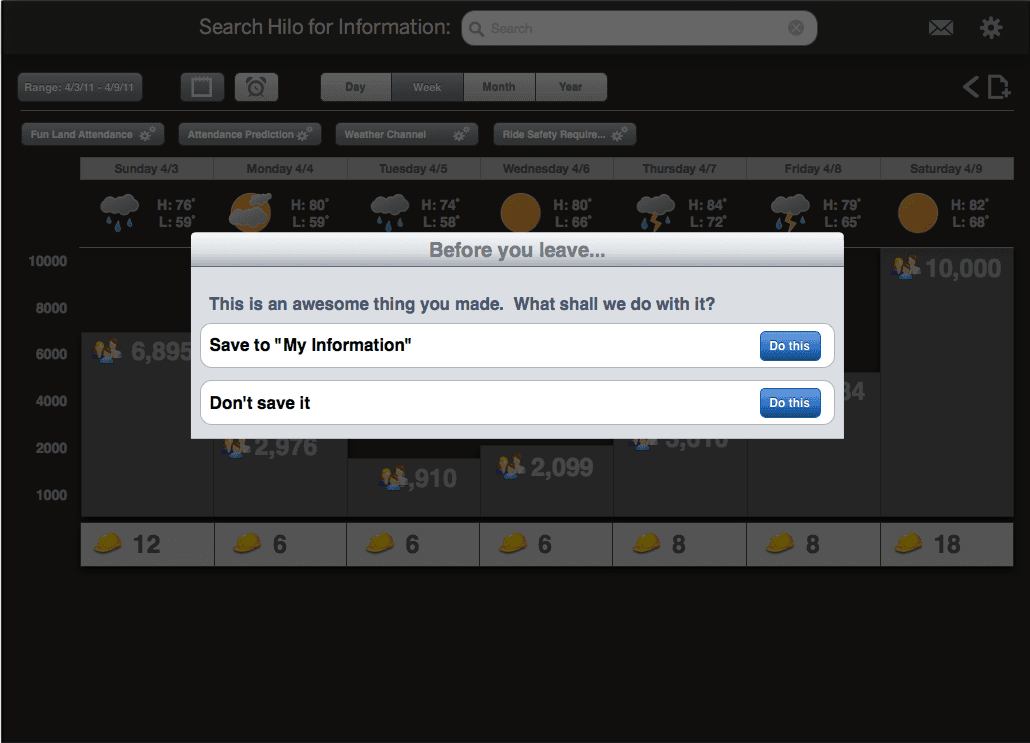
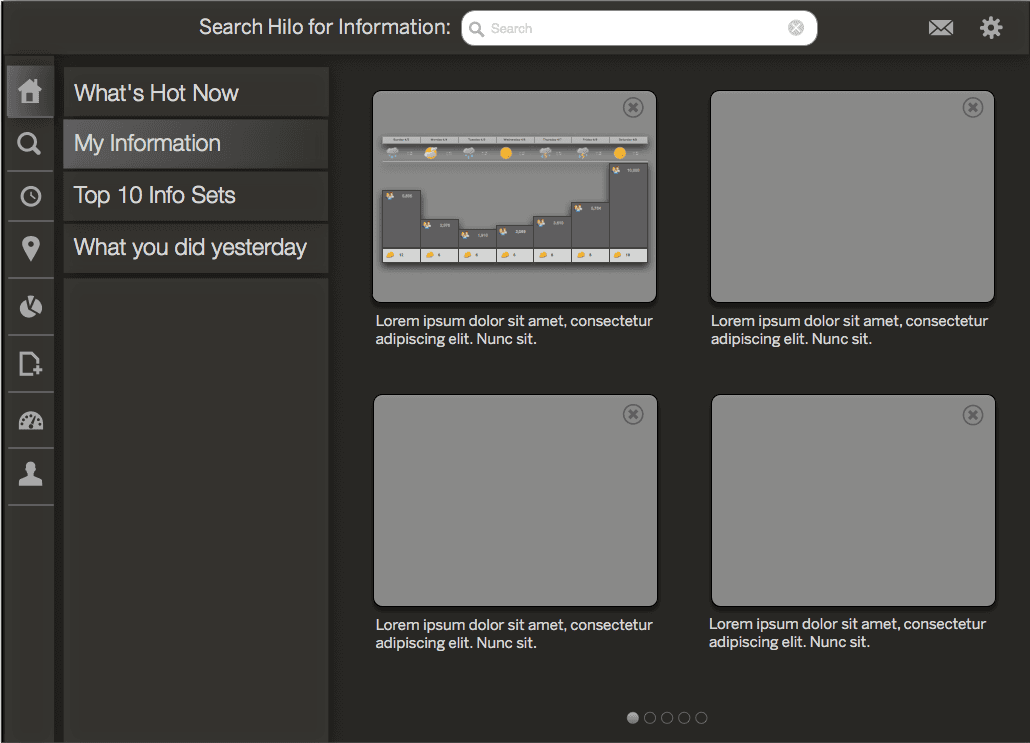
The UX team took many of the ideas generated during the user story workshop and began thinking through how these ideas could be assembled into the BI software of the future. While we didn’t ever ship these ideas, the exercise was important in getting the distributed UX team to gel together and working with Product and Engineering to present the concepts to executive leadership.
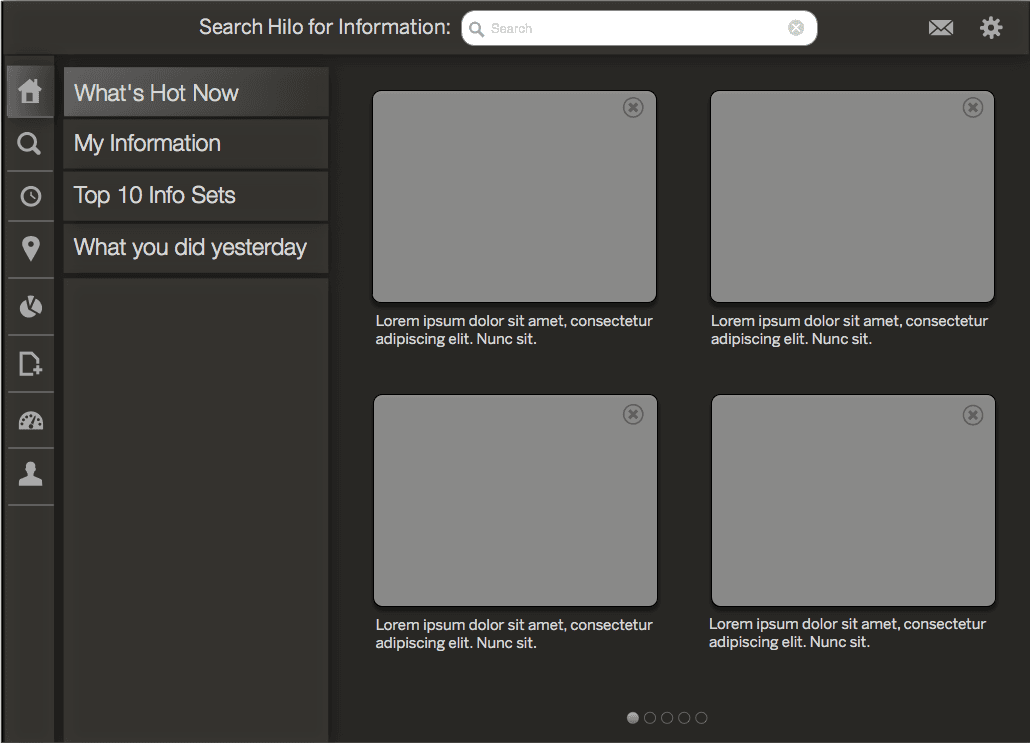
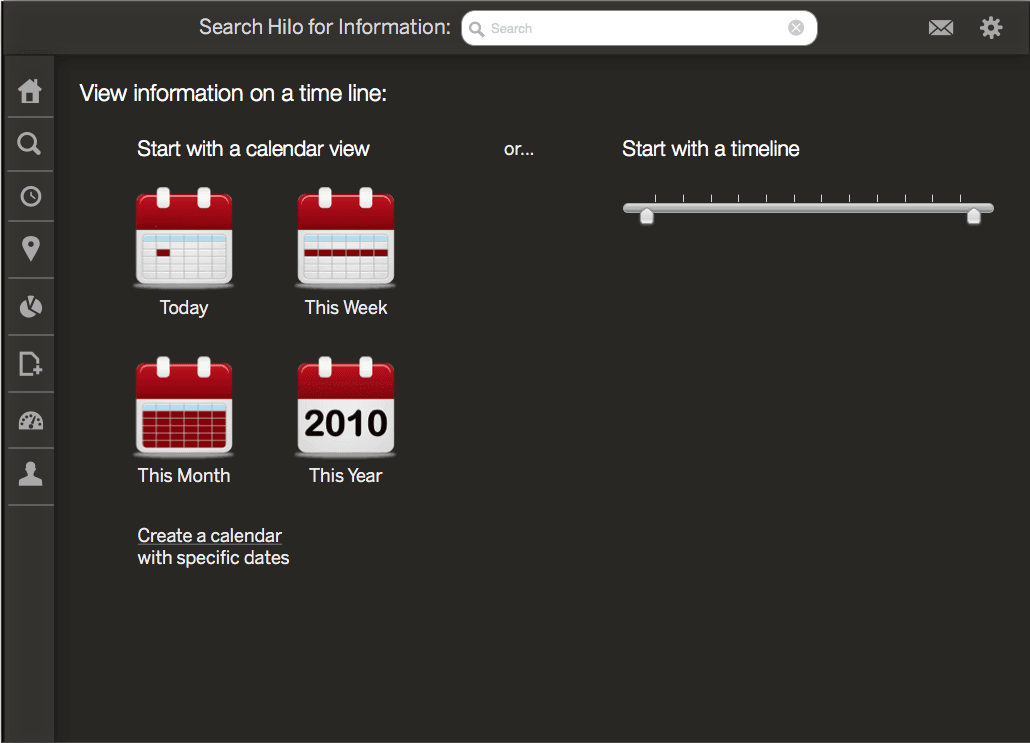
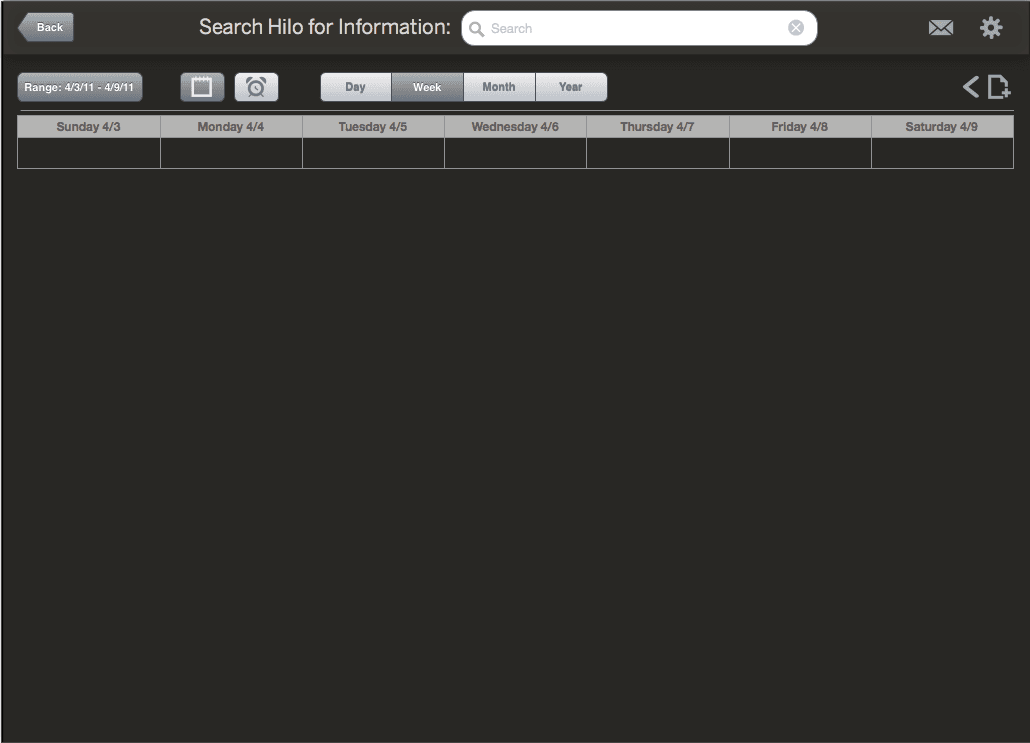
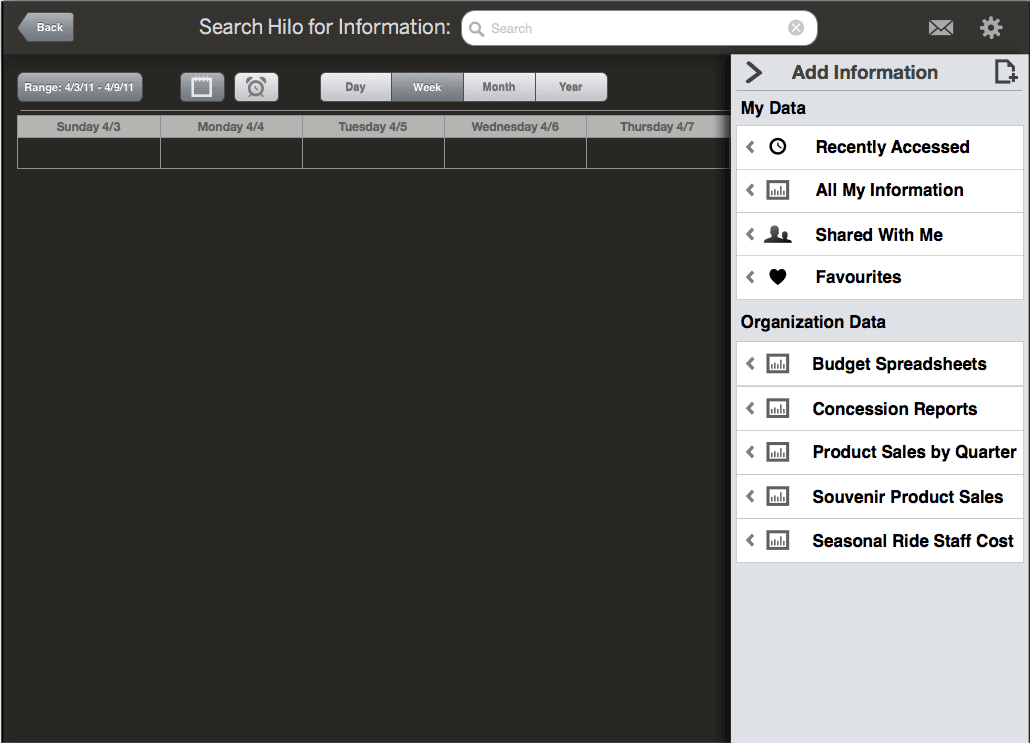
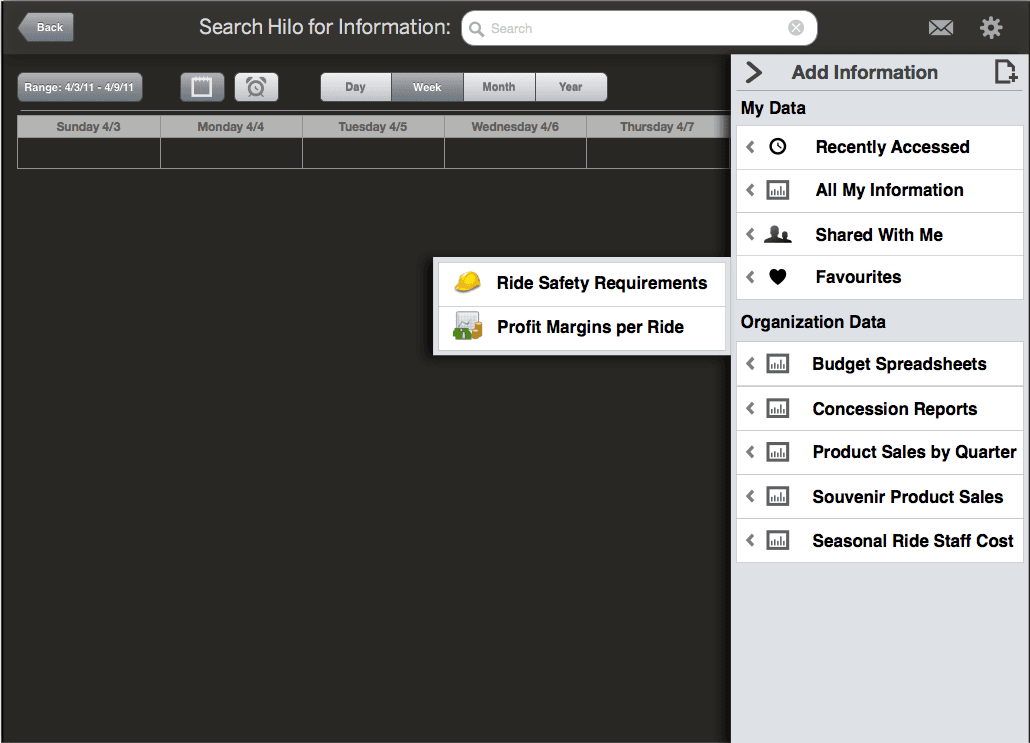
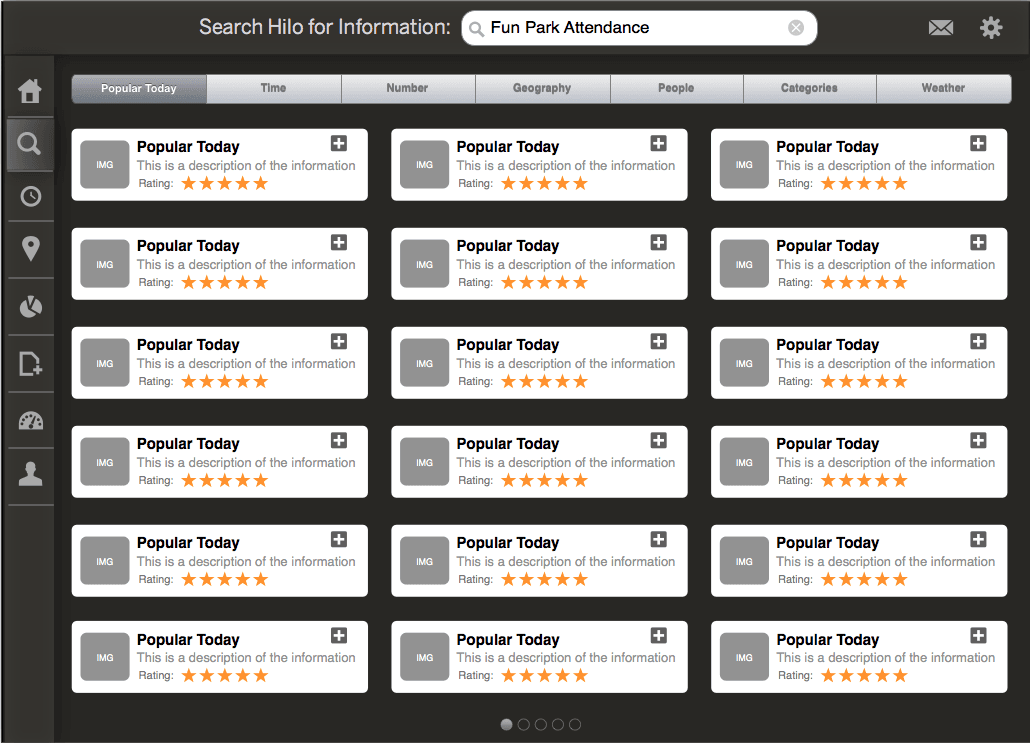
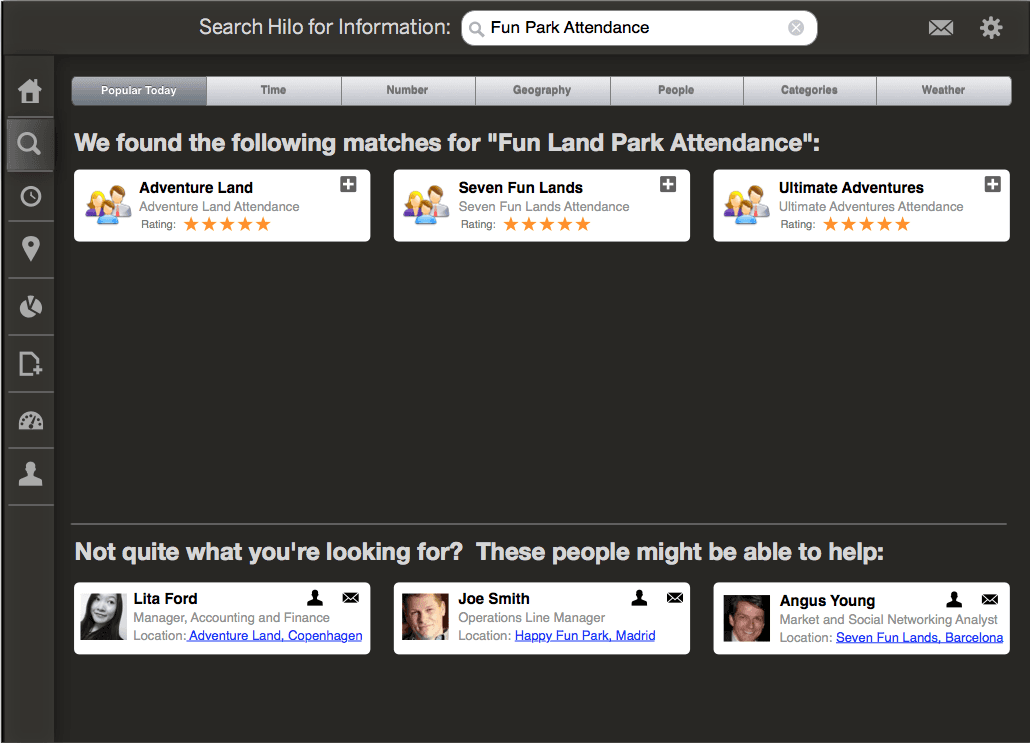
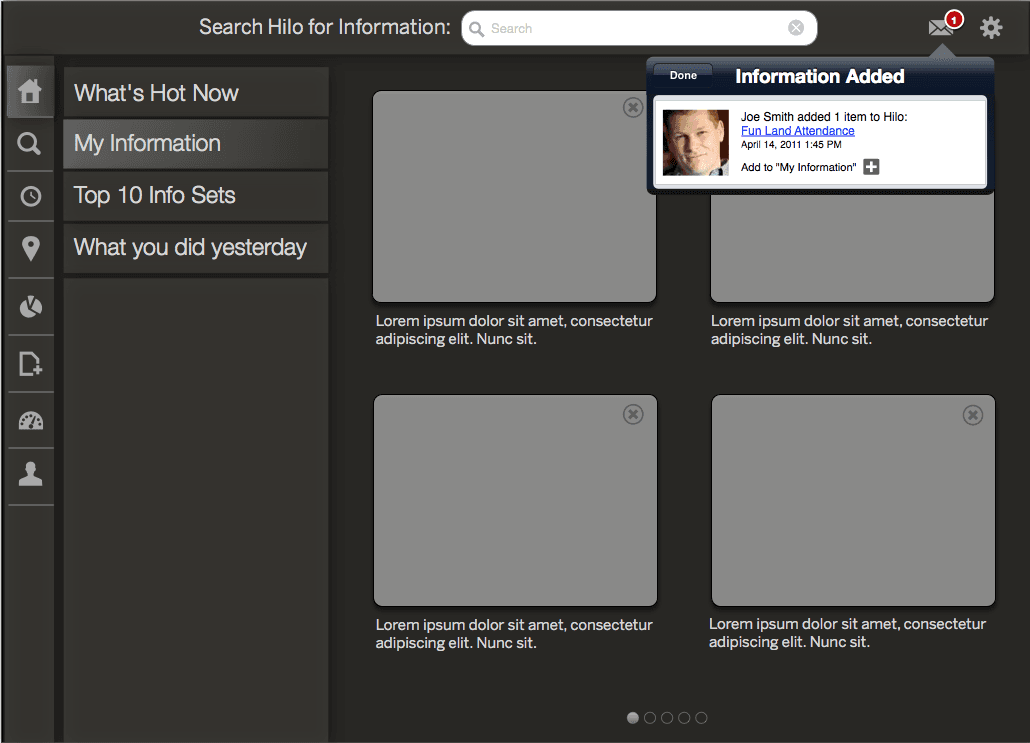
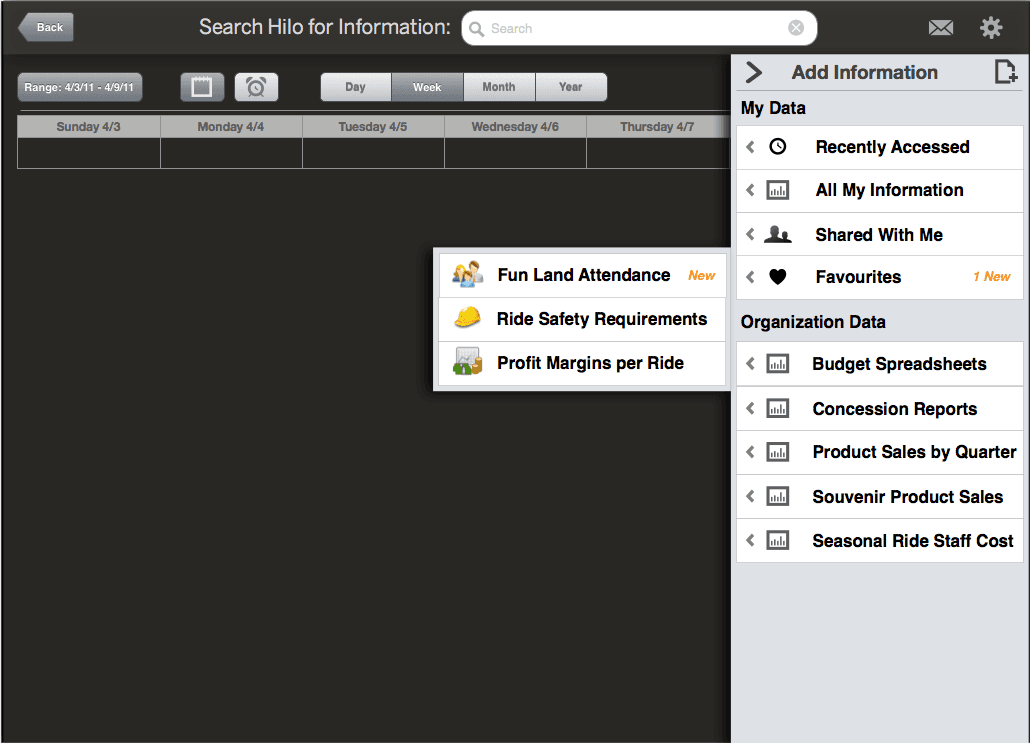
Realistic use cases emerge
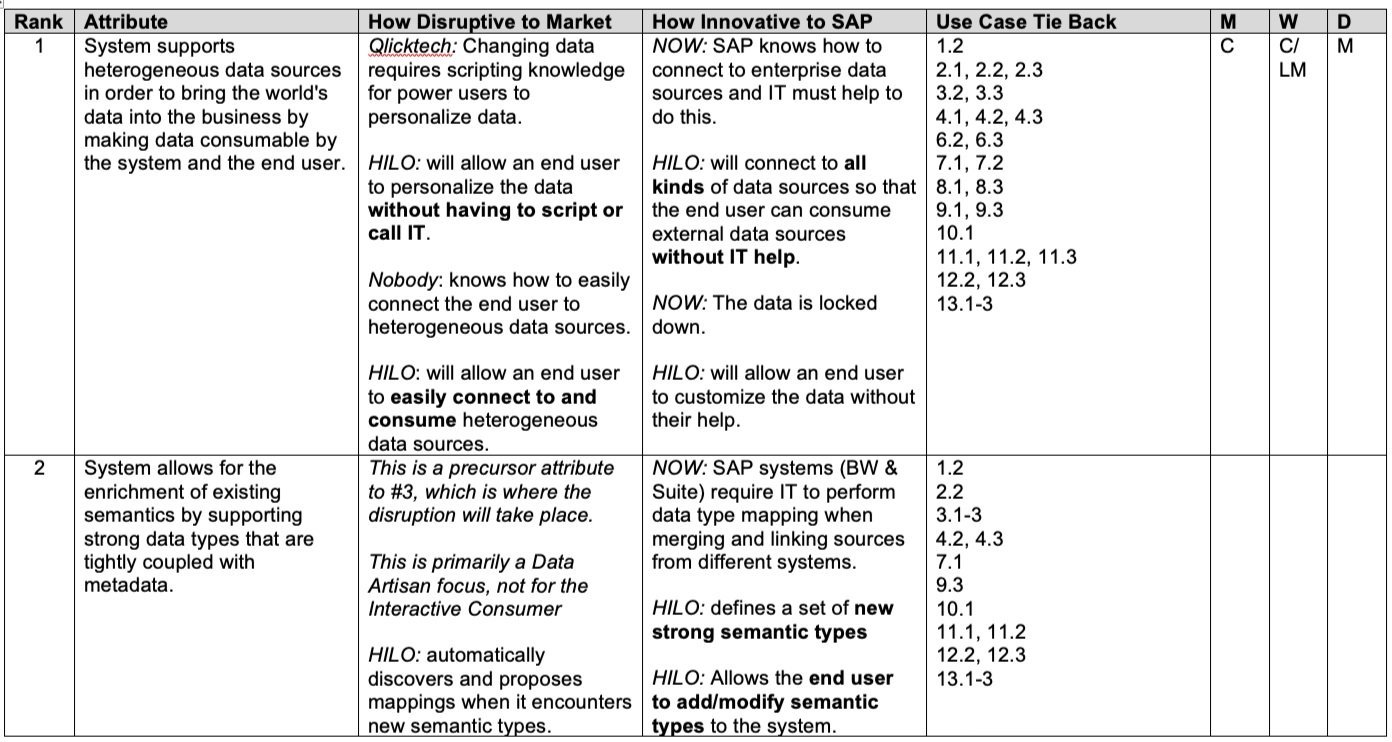
While some of the user stories generated were a little bit of science fiction, some realistic use cases did come out of the exercise and started to take shape. These were indeed realistic and could be designed and developed. The code name for the project was Hilo. I had just come back from a vacation to the Big Island… :)
18 months later, lumira
There was inter-site conflict
There were staffing concerns
There were budgetary issues
There were 3 or 4 corporate re-orgs affecting the whole team several times over
There were technology changes
There were architectural changes
There were product naming battles
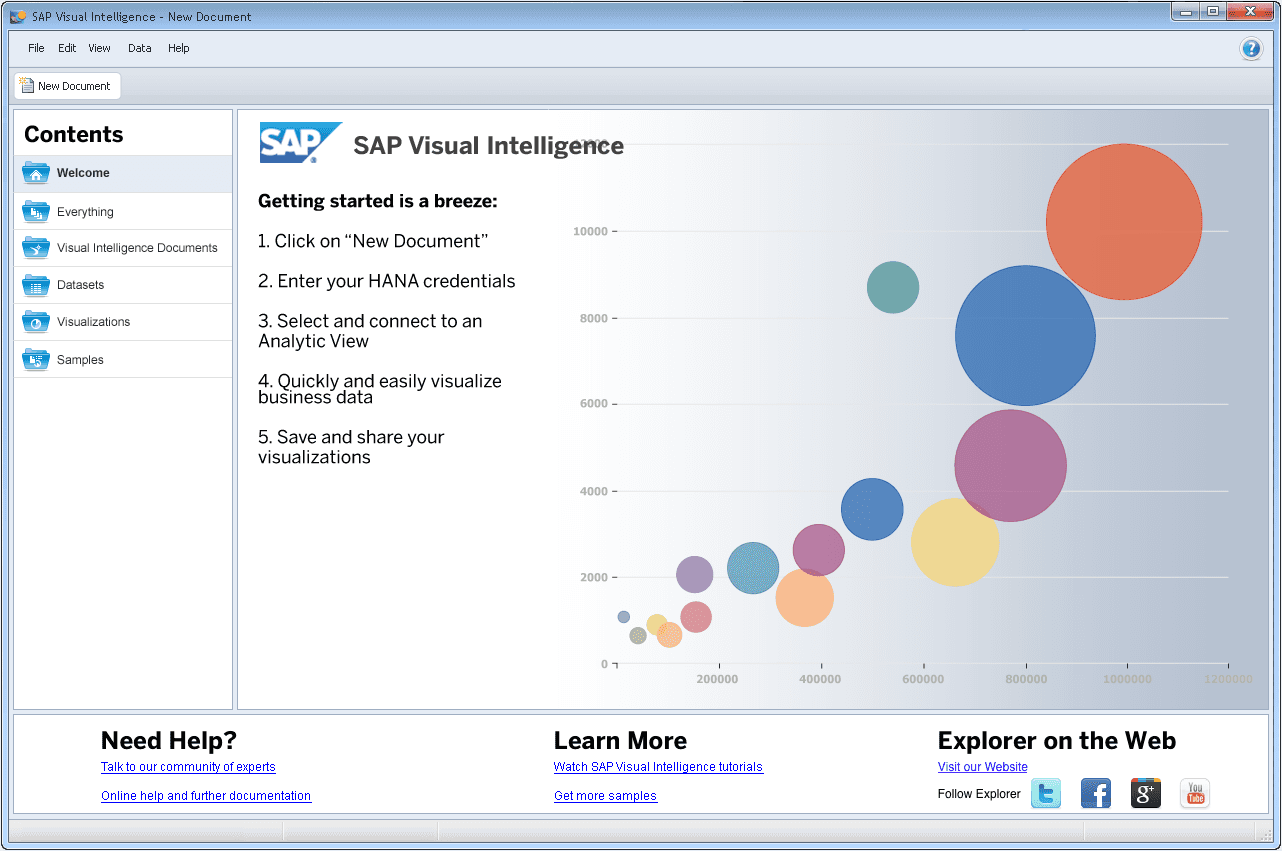
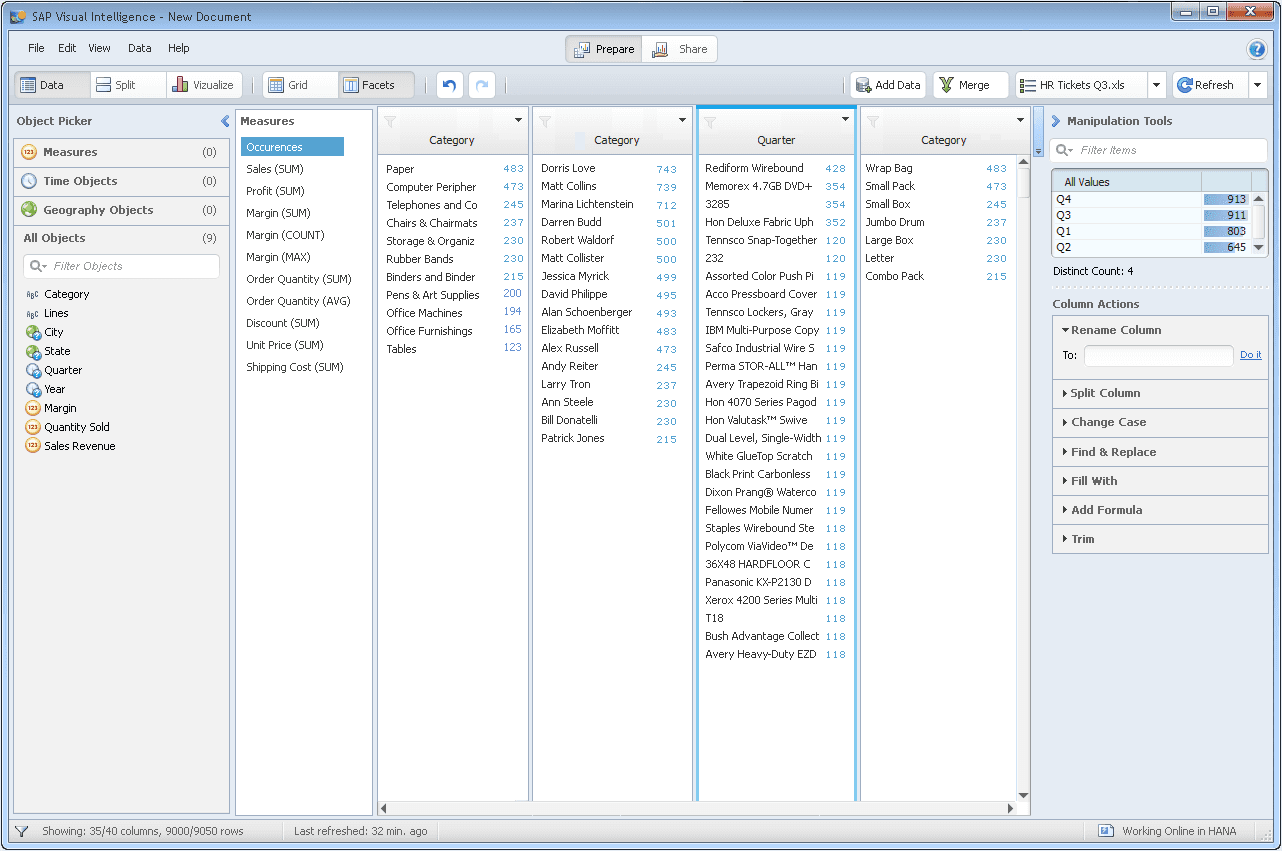
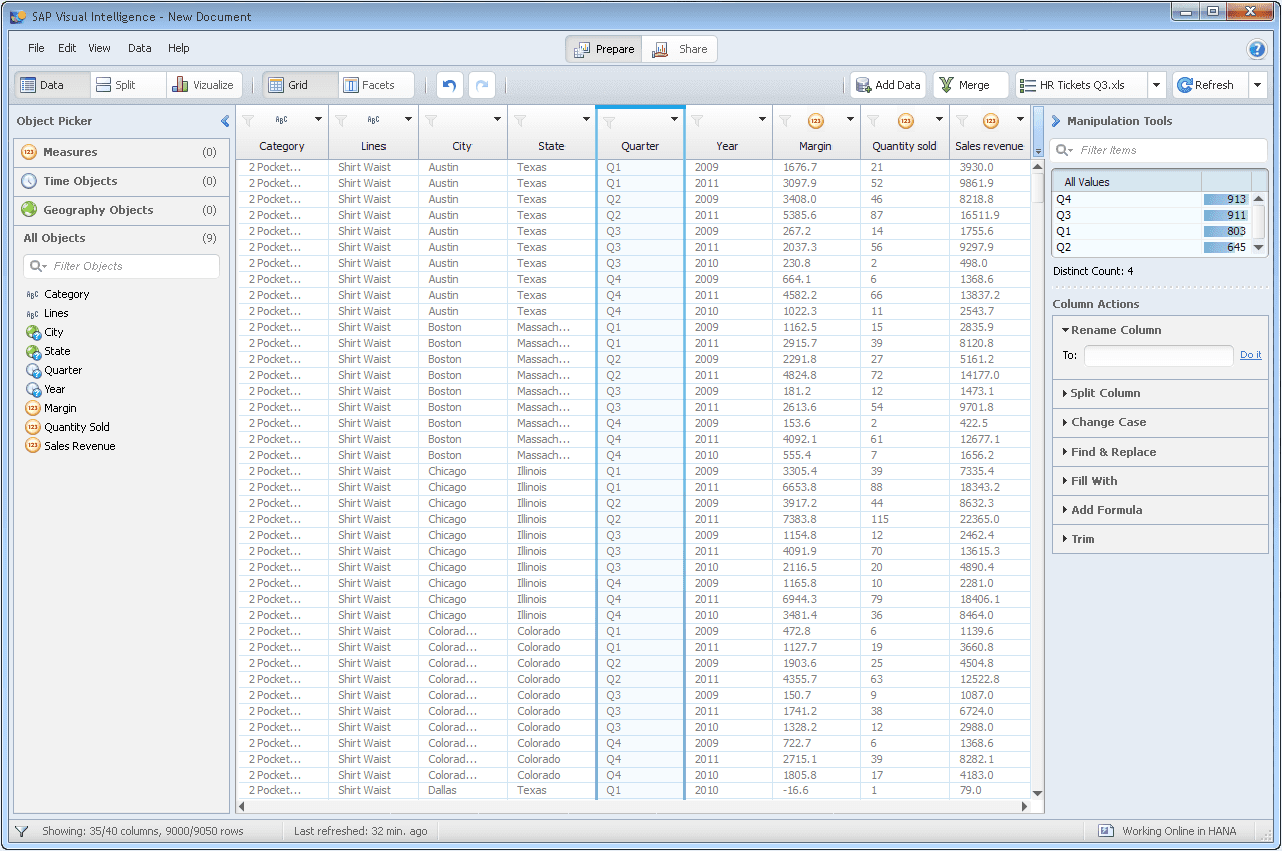
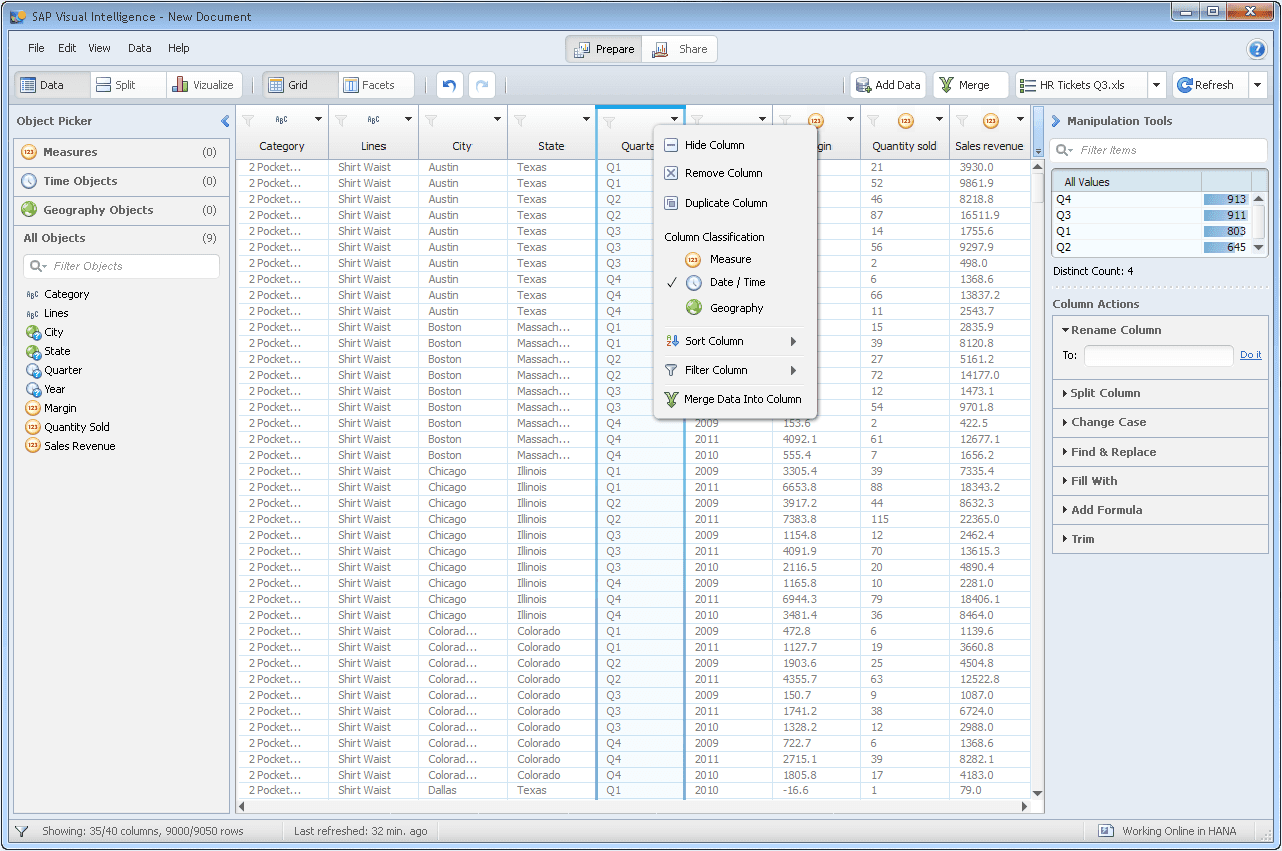
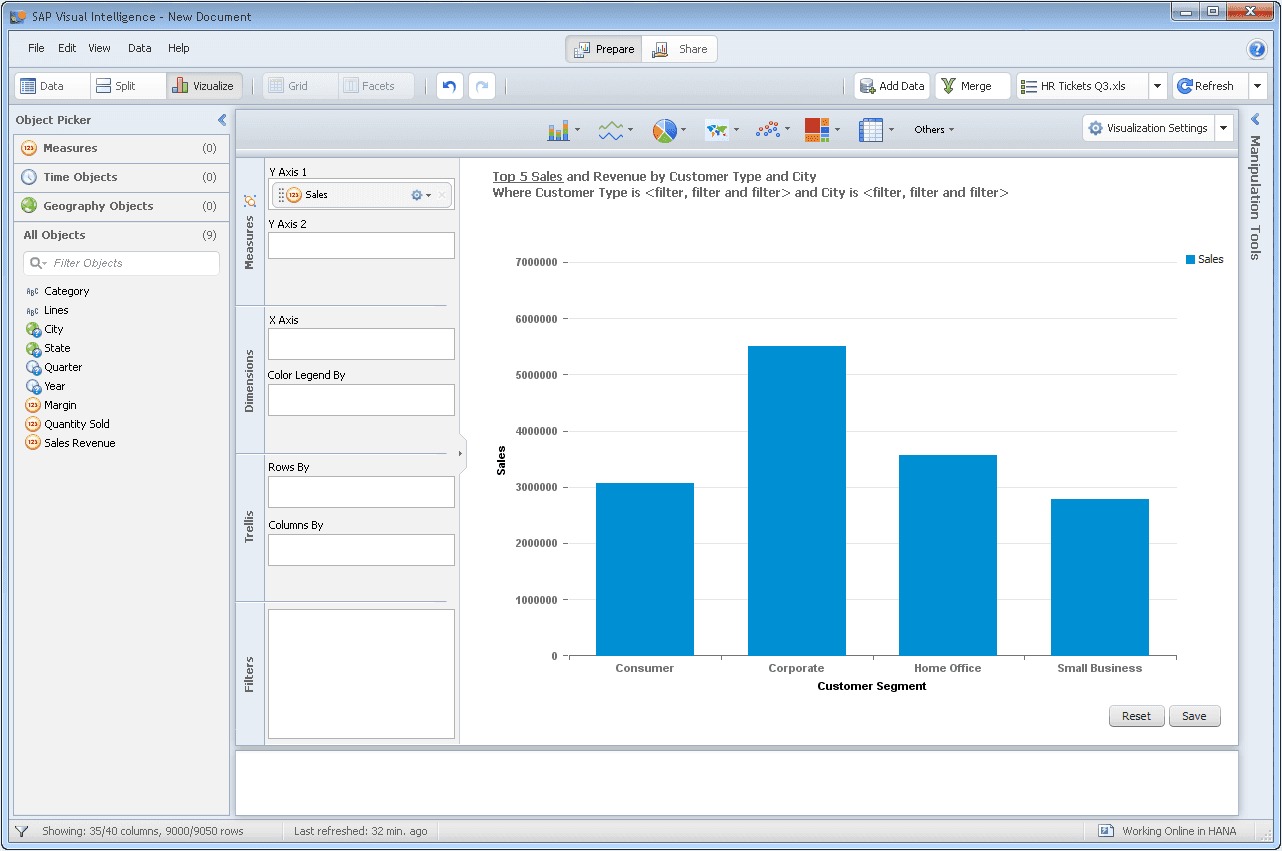
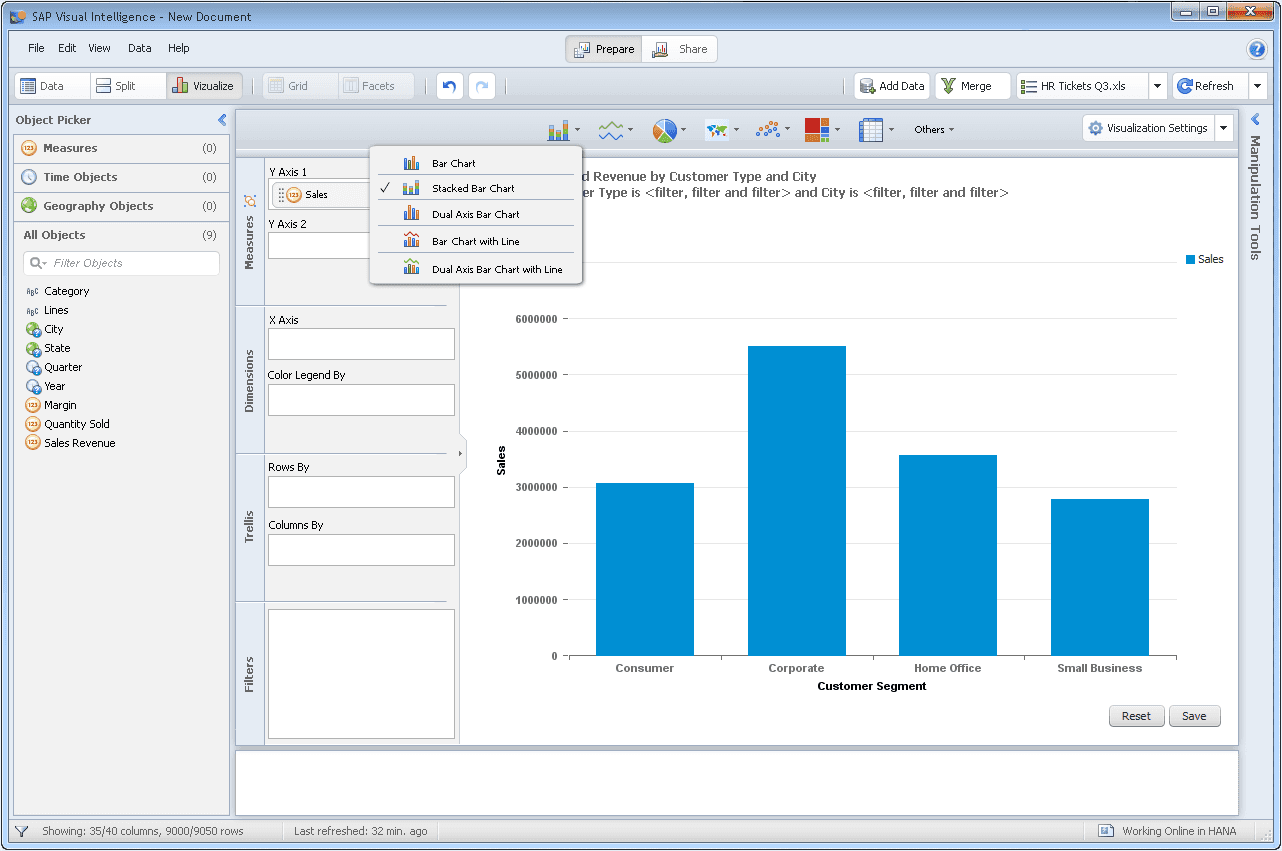
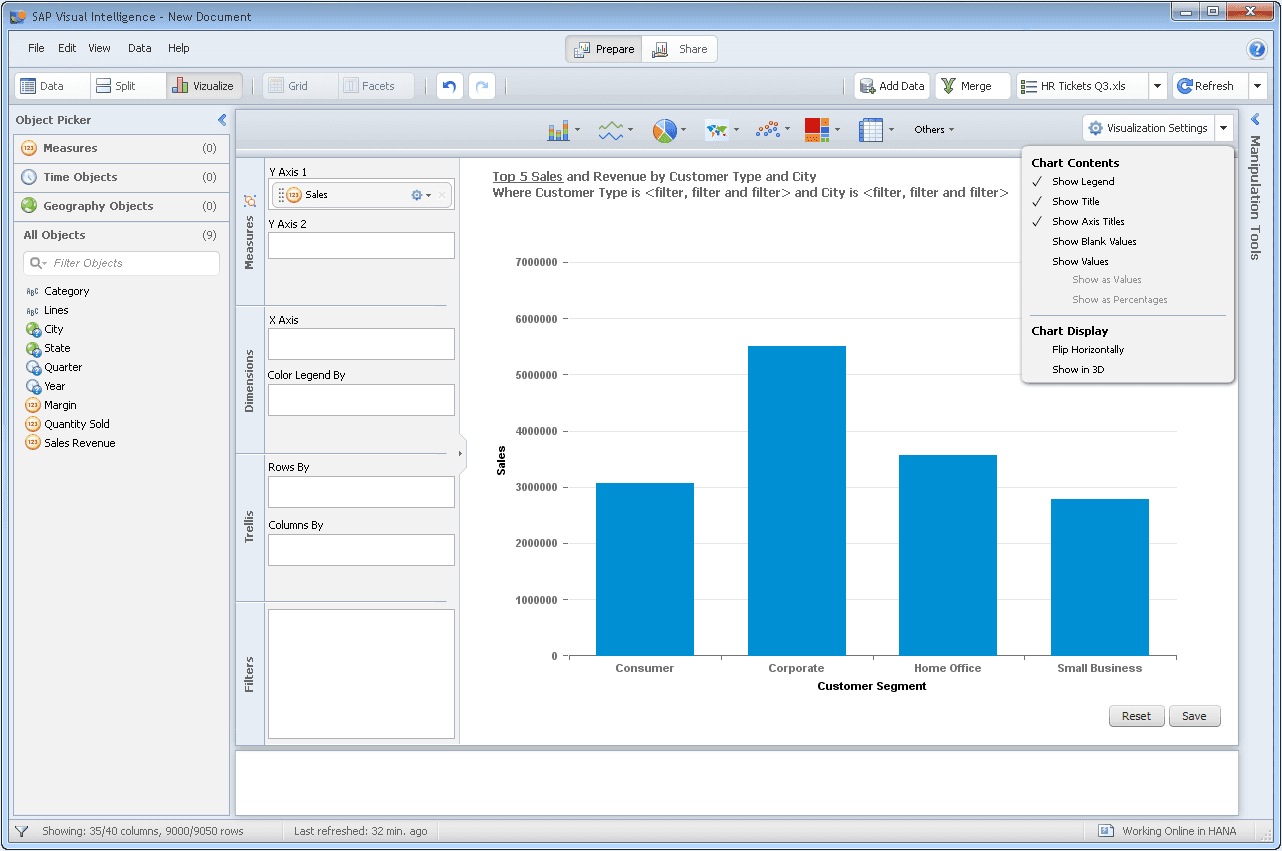
Through it all, we persevered and shipped Lumira in its Windows-only version. Eventually, the product was re-written in HTML/JavaScript for a more polished, modern experience.

©️ 2024, Julie Lynn Lemieux